sensors
Documentation of Sneel_002
Soon I will make a how-to guide for Sneel_002 on instructables.com, as I did for the first version of Sneel, (i’m working on that) but until then…
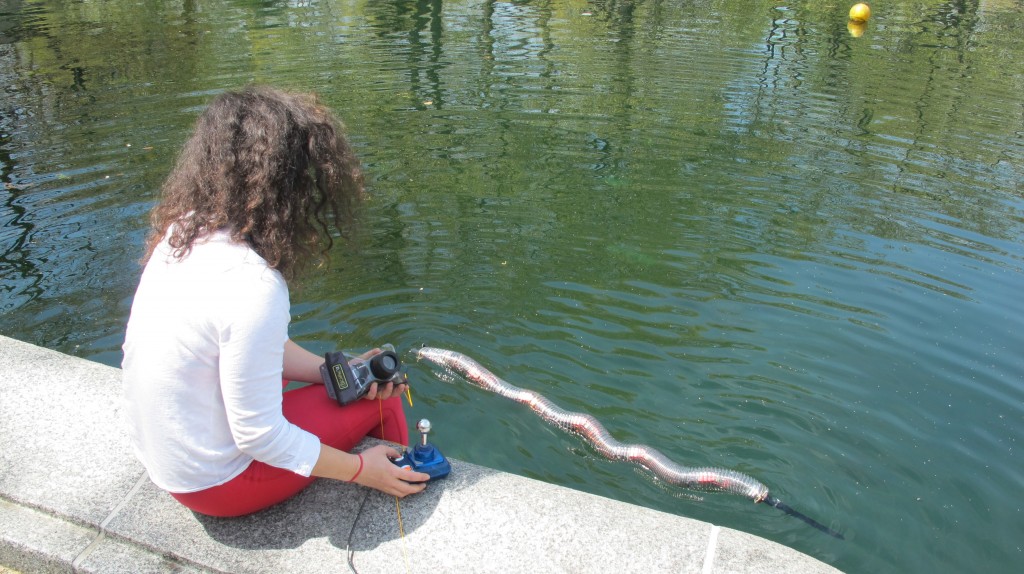
Sneel swam in central park

The hardware:
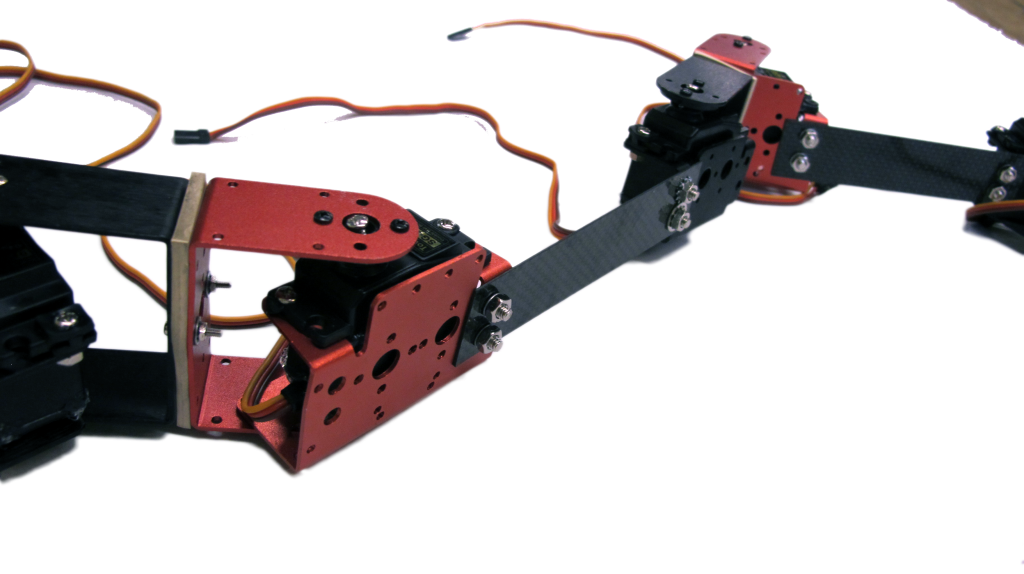
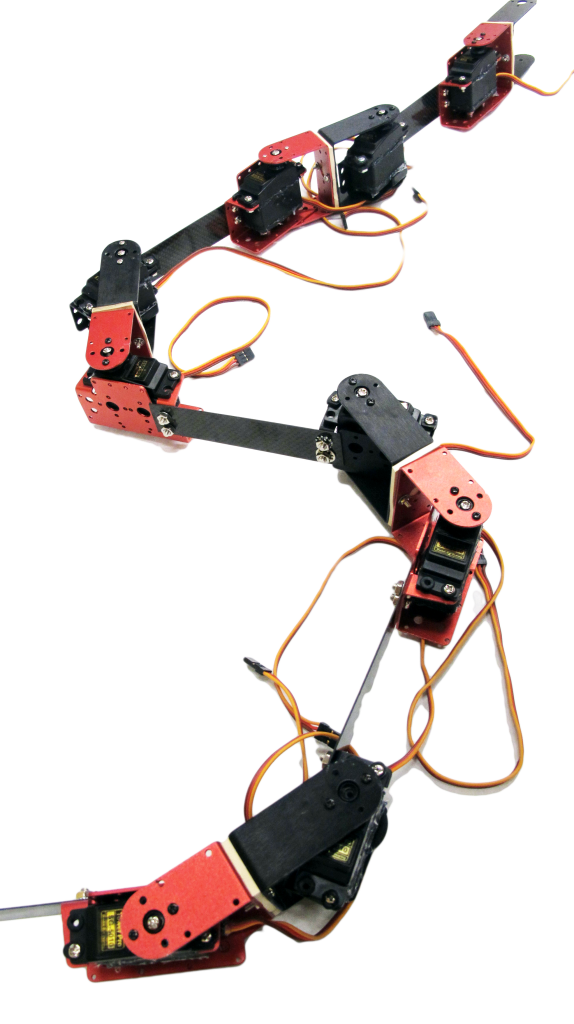
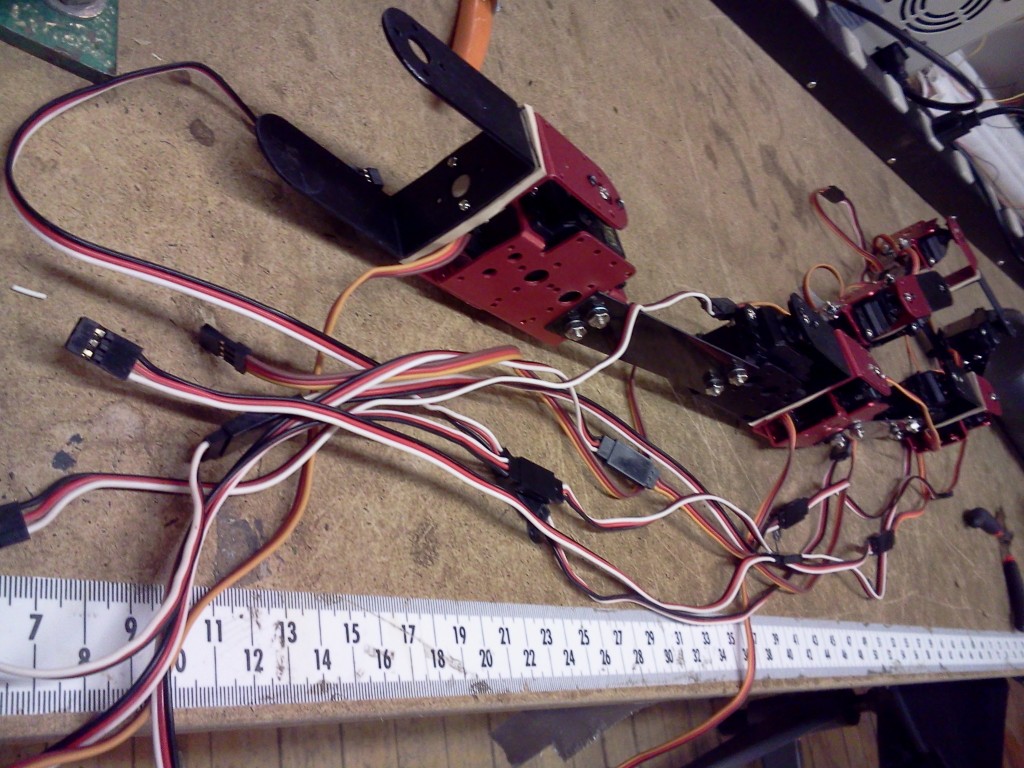
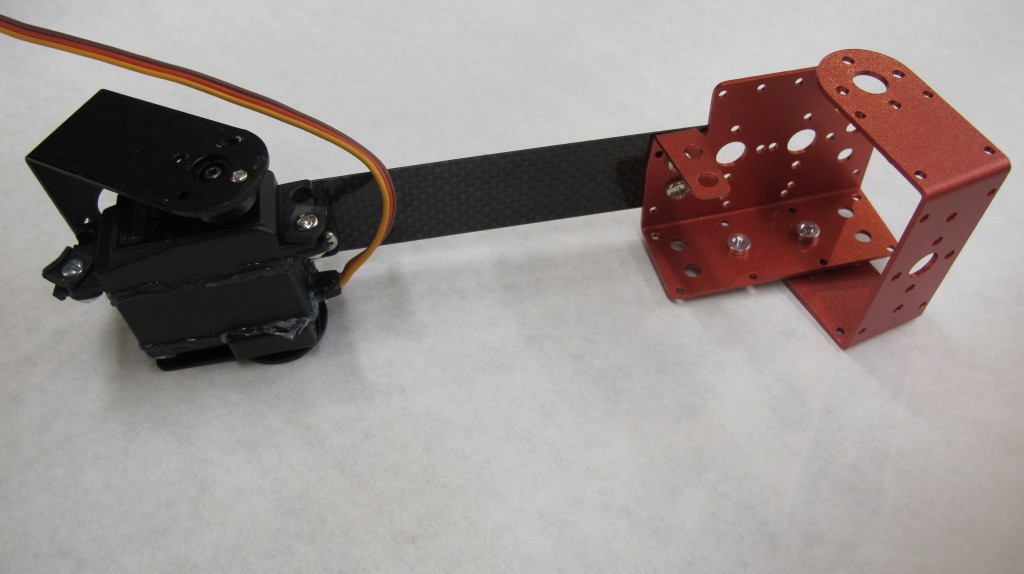
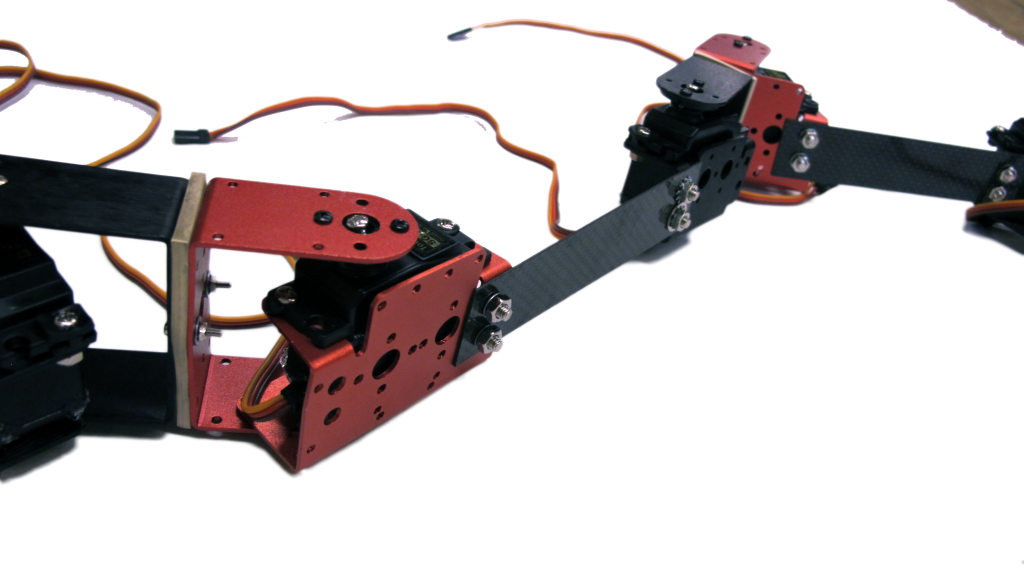
Like a real snakes vertebrates:

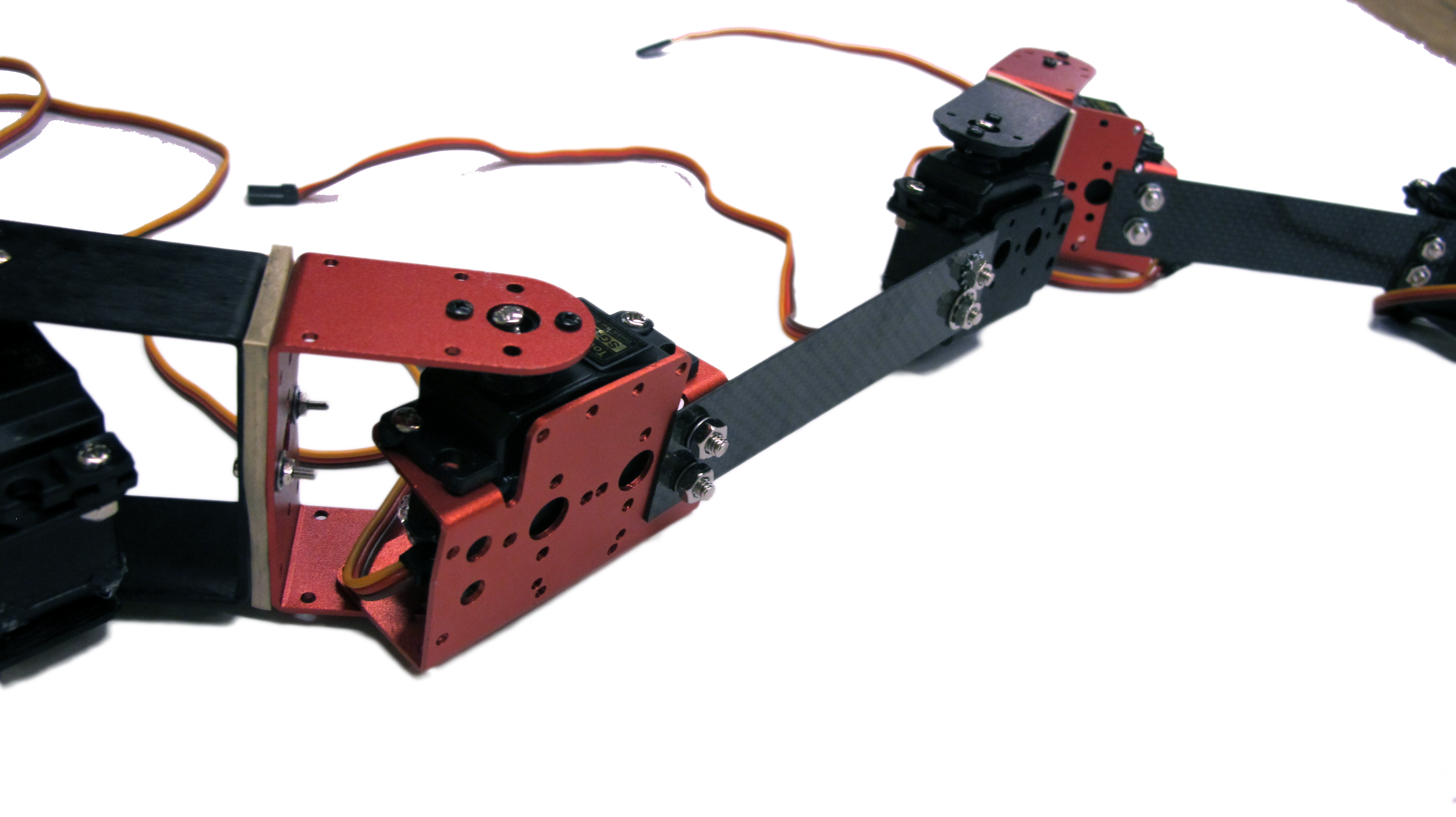
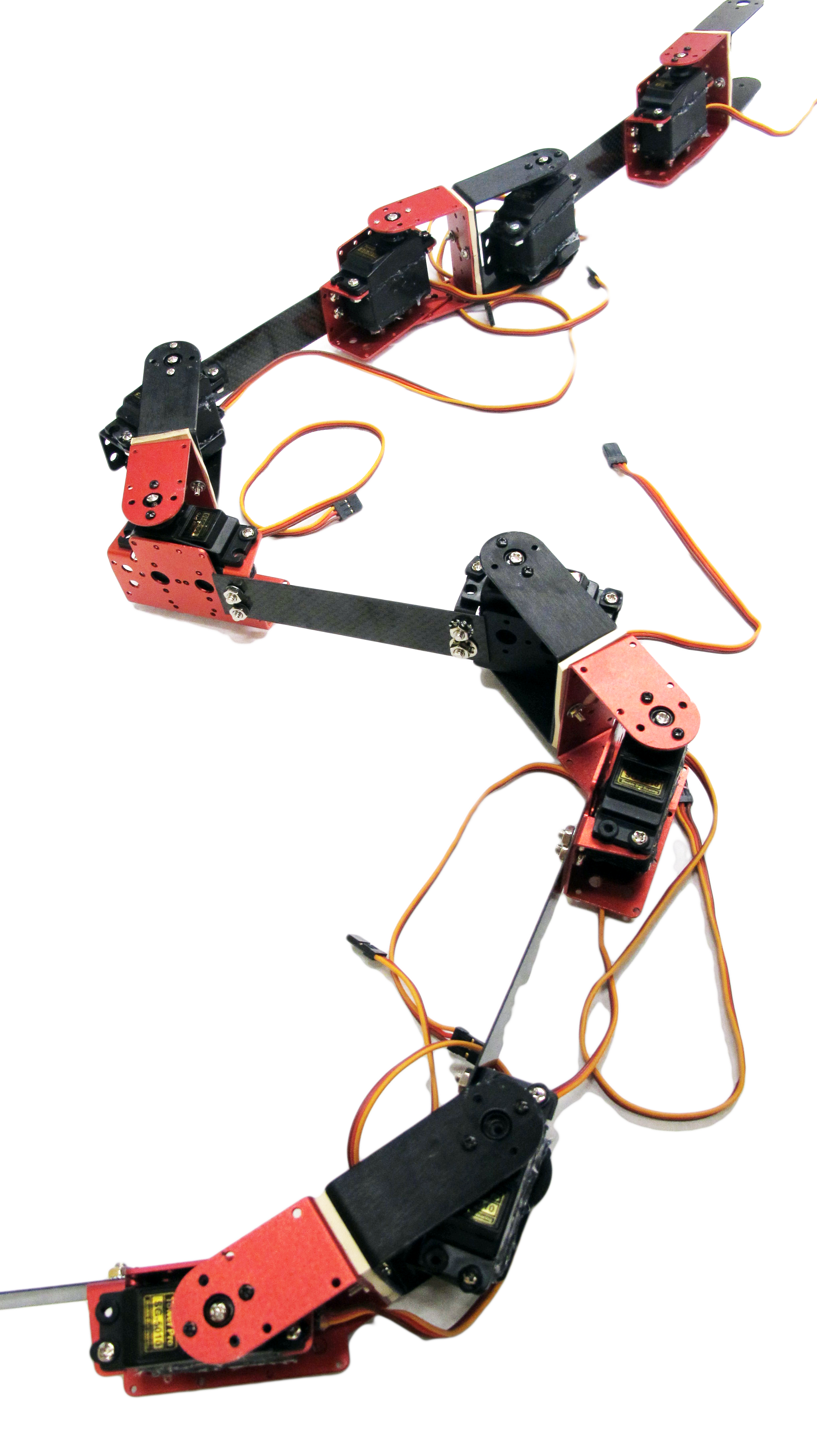
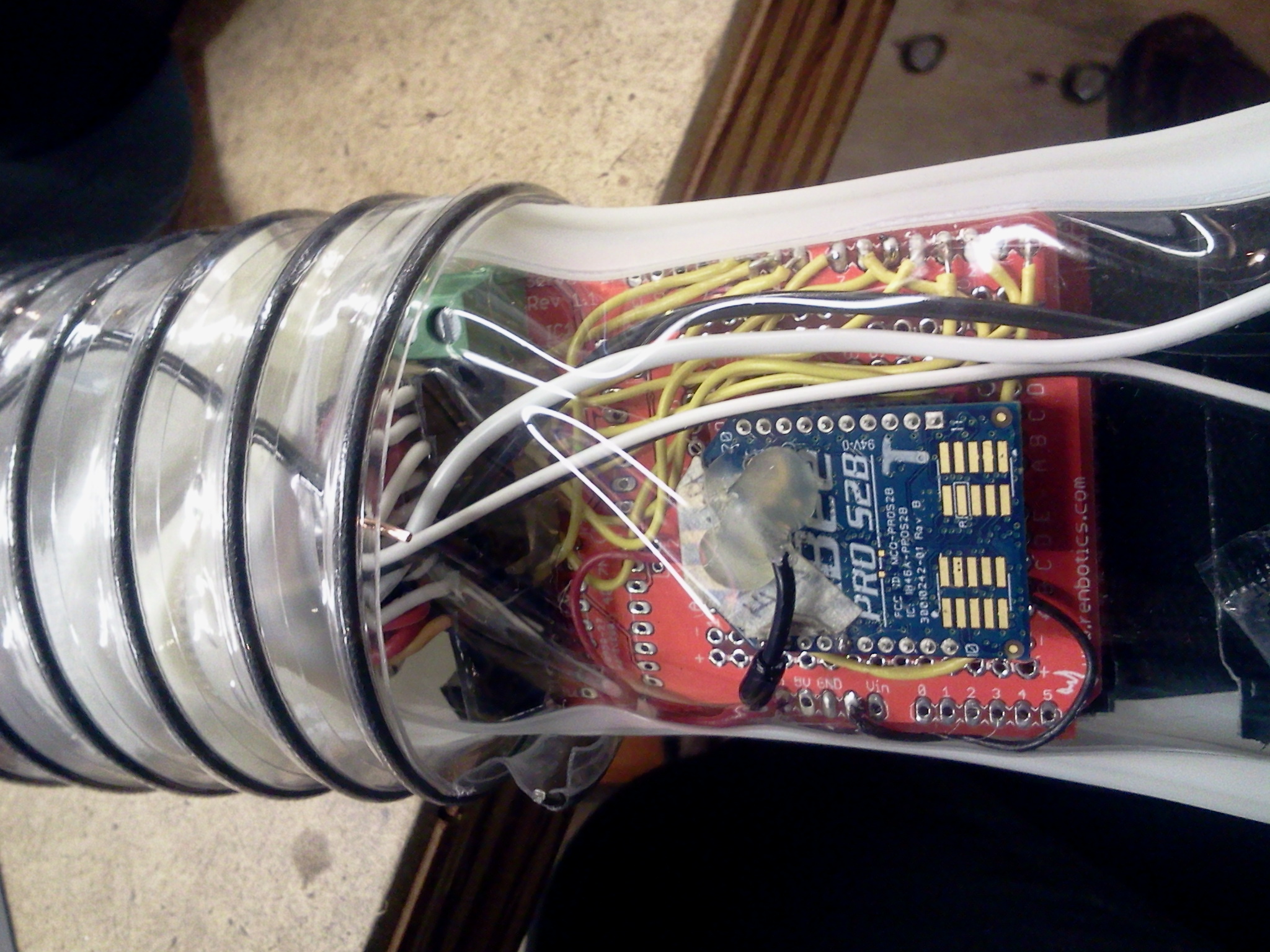
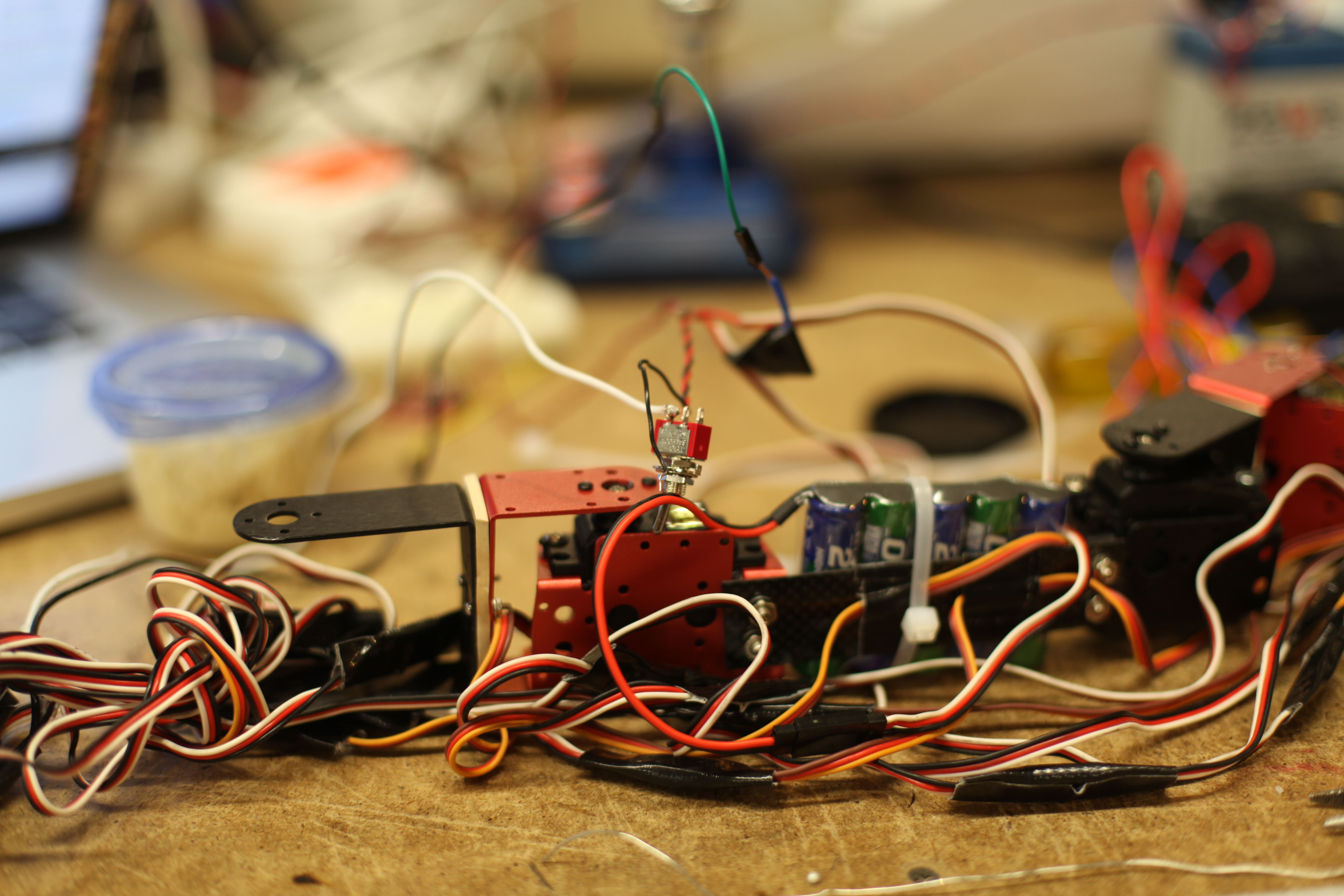
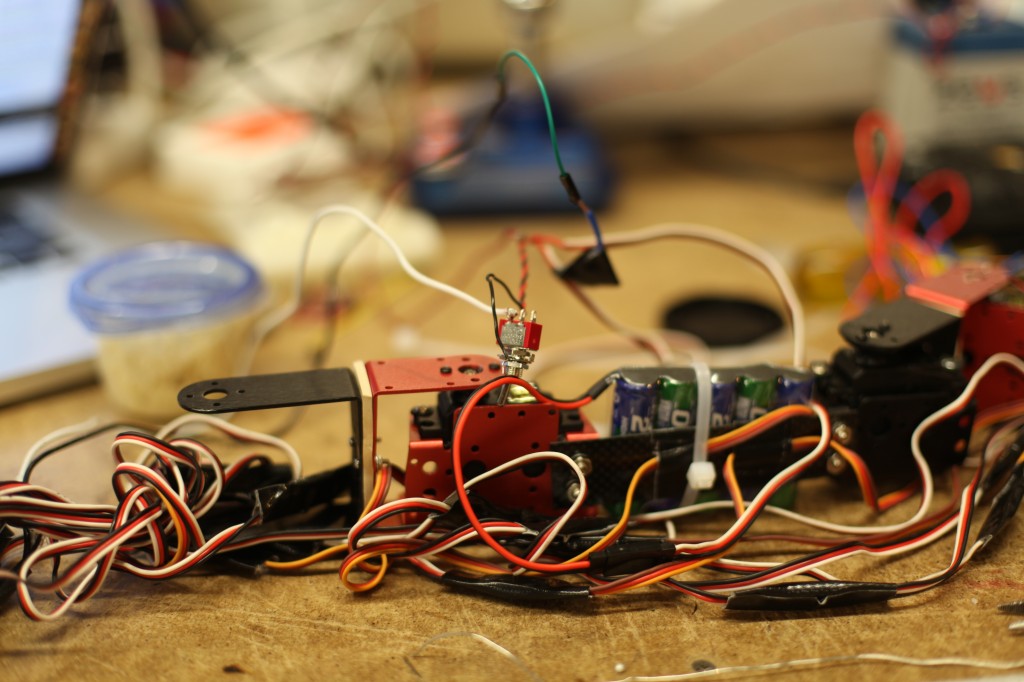
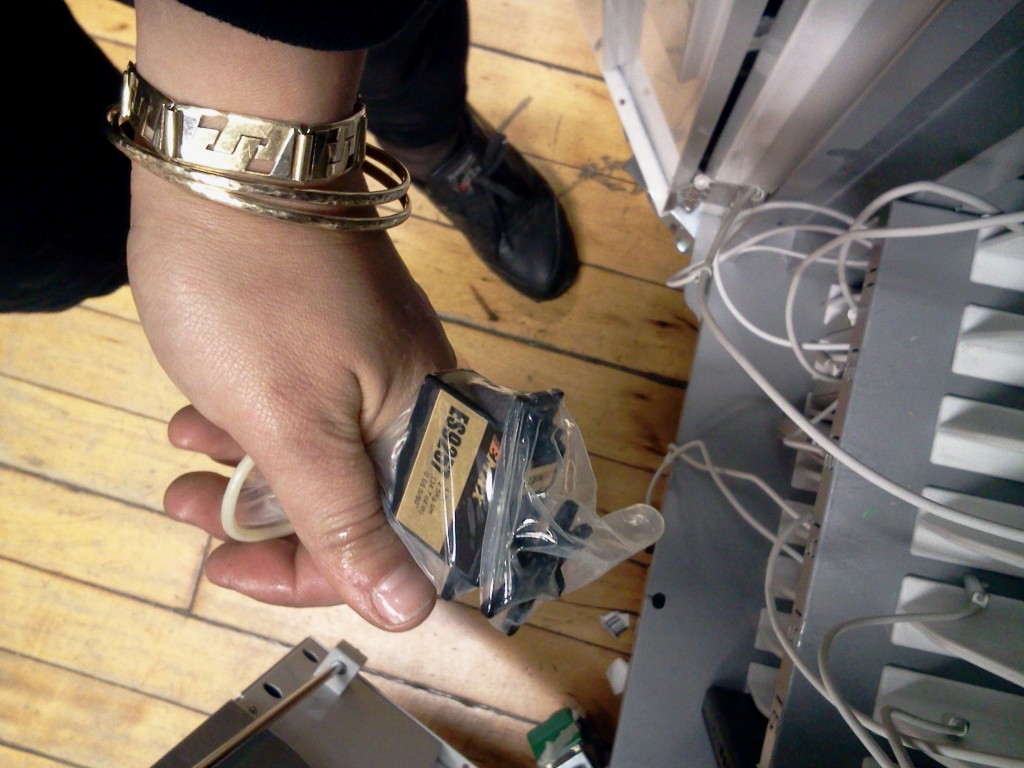
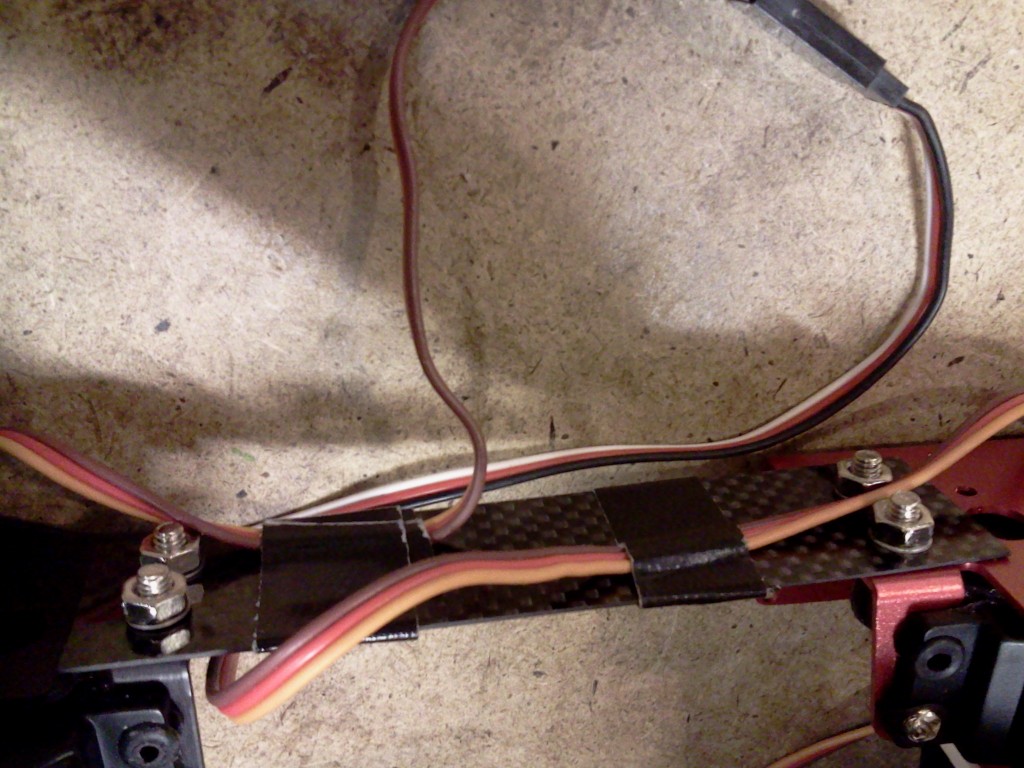
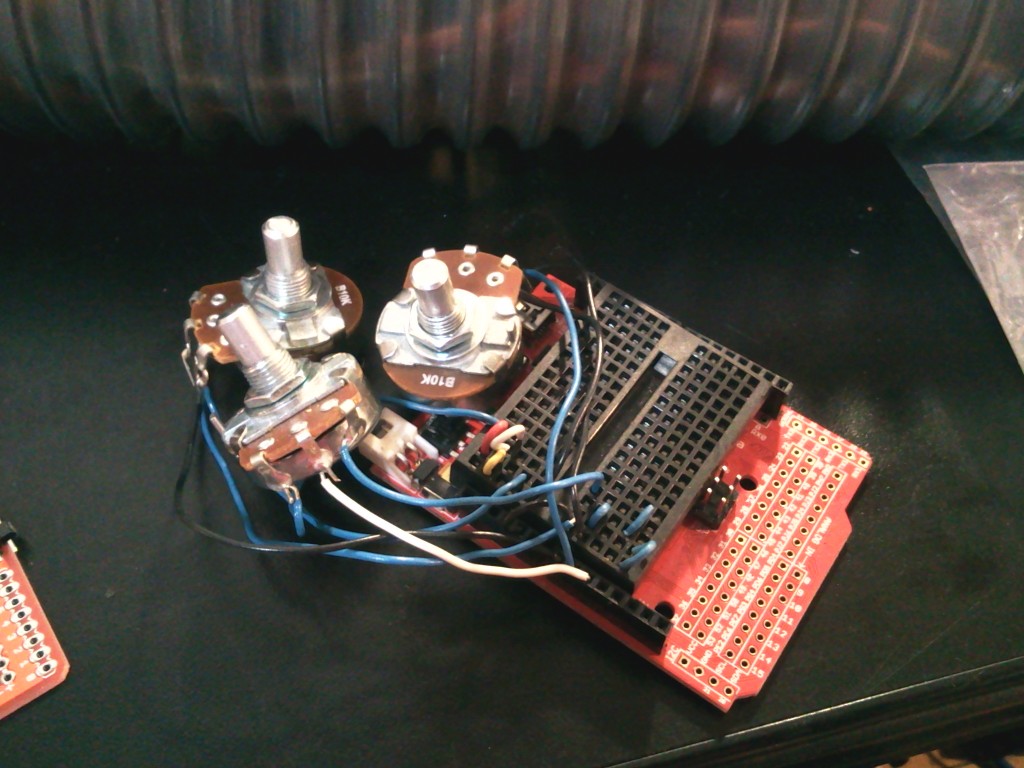
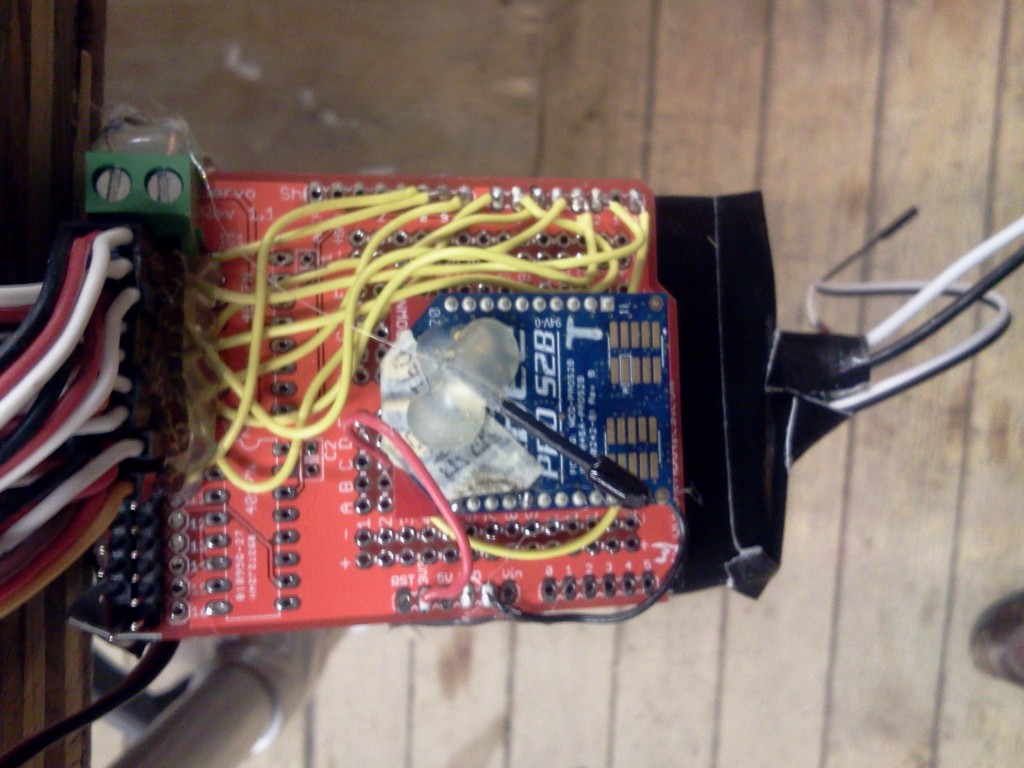
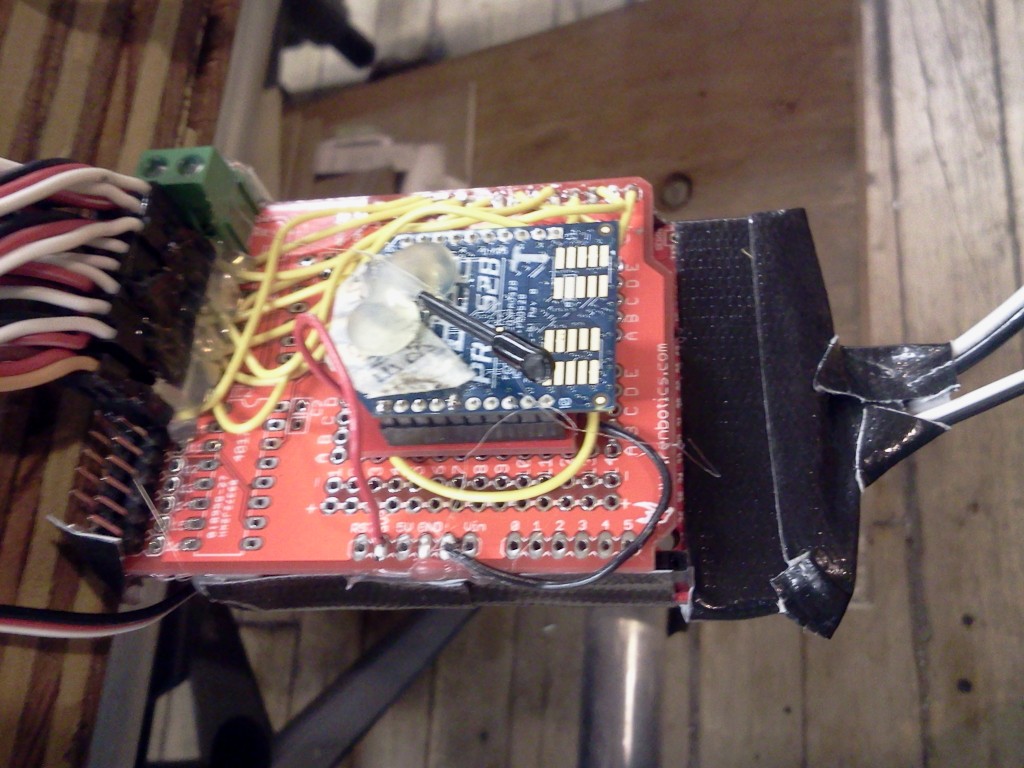
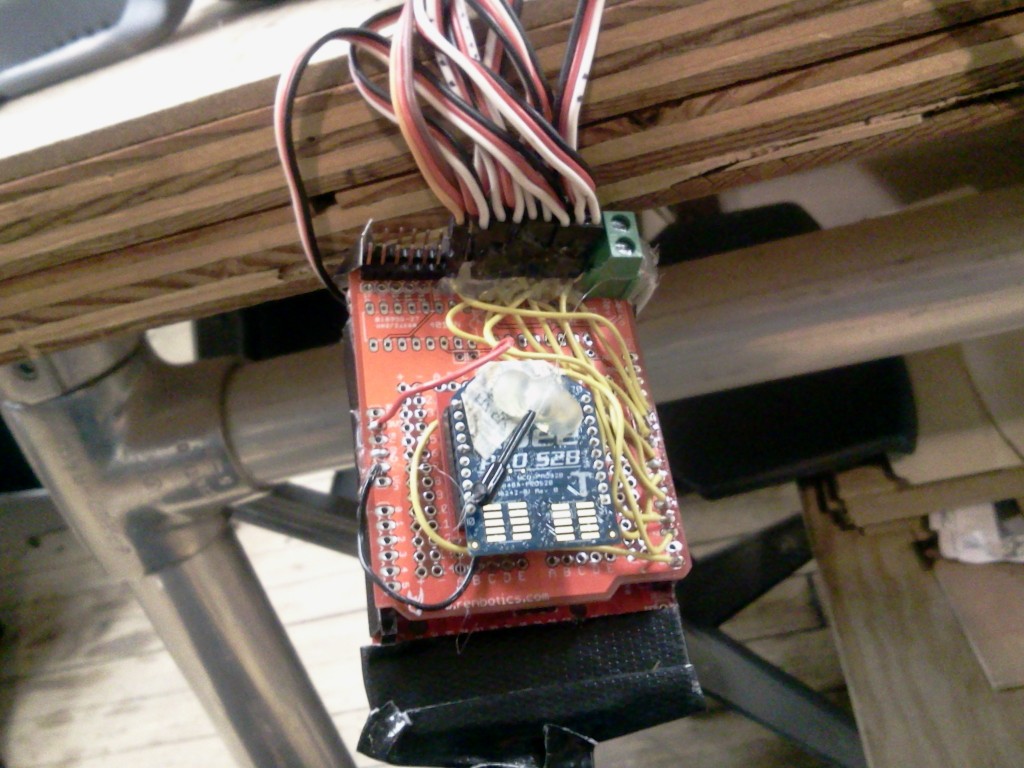
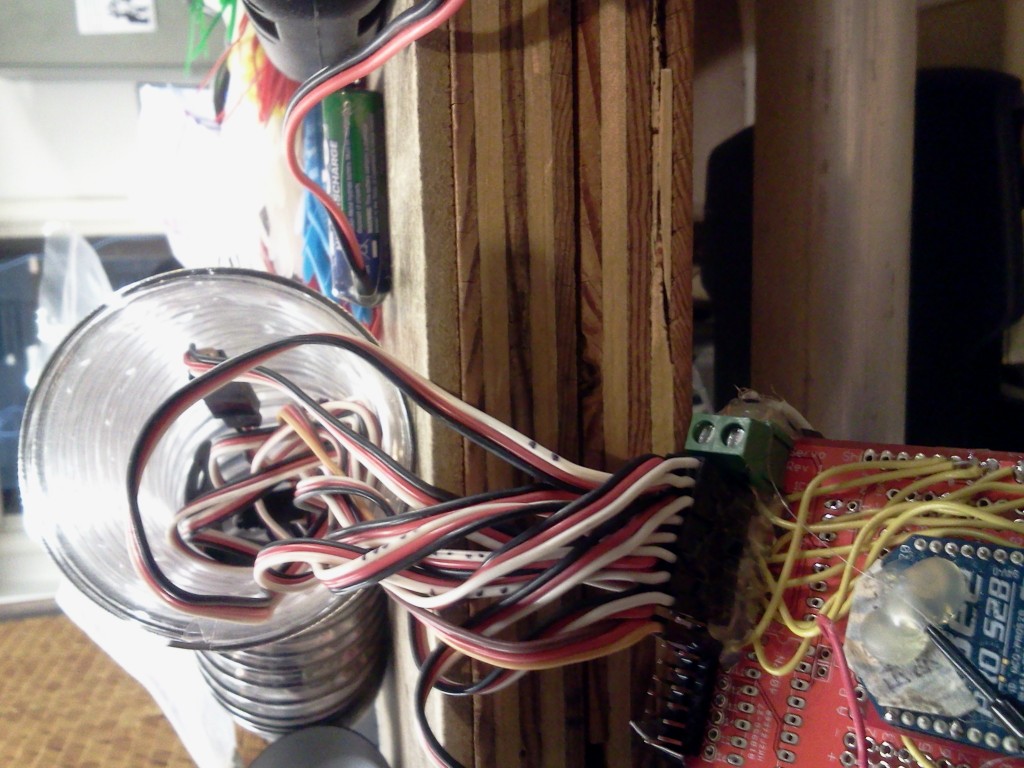
I used Arduino Mega with multiple servos attached, using multiple 6V NiMh battery packs, placed along the body, with an xbee mounted on top to control three parameters of wave behavior: period, wavelength, and amplitude.
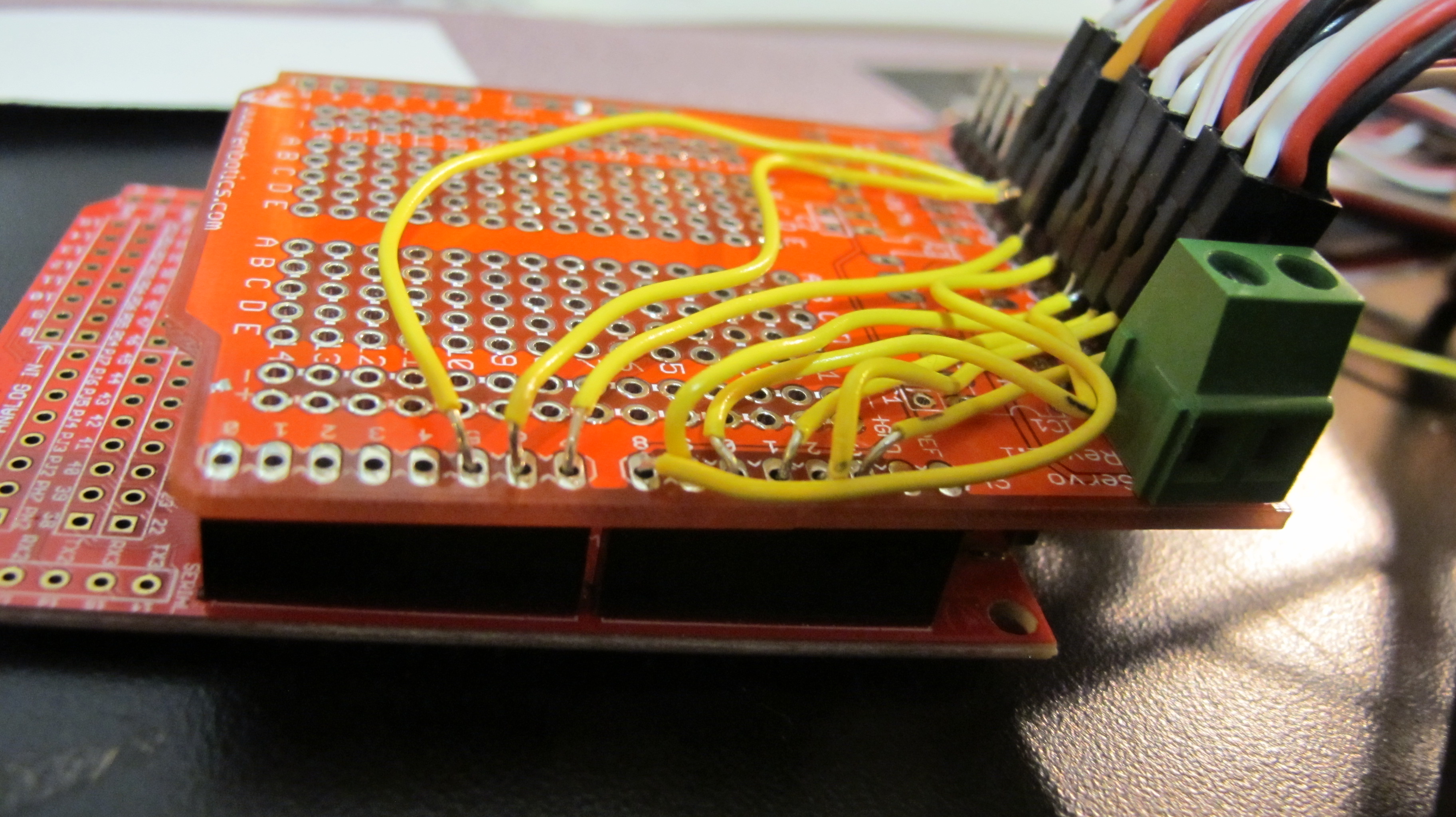
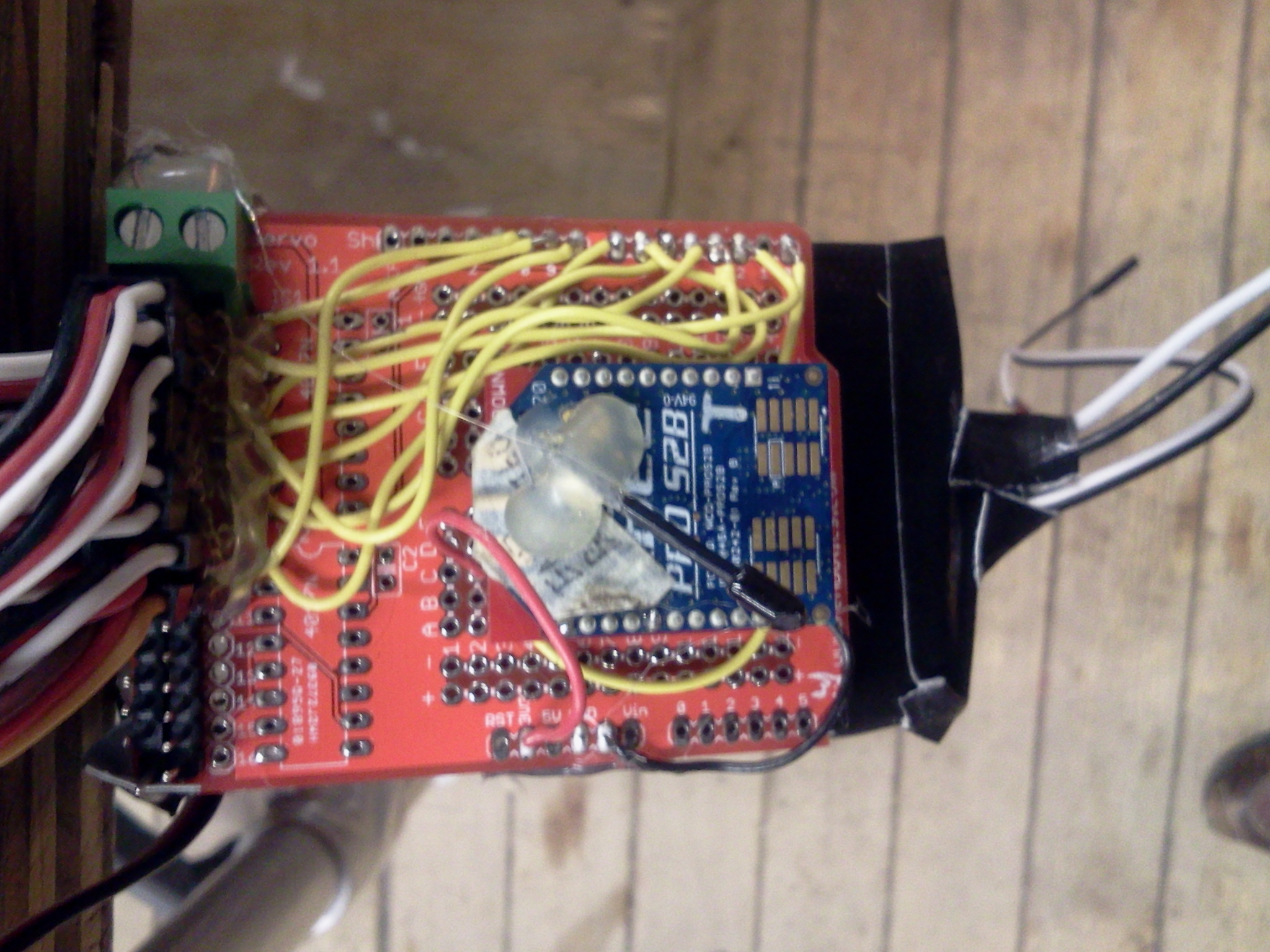
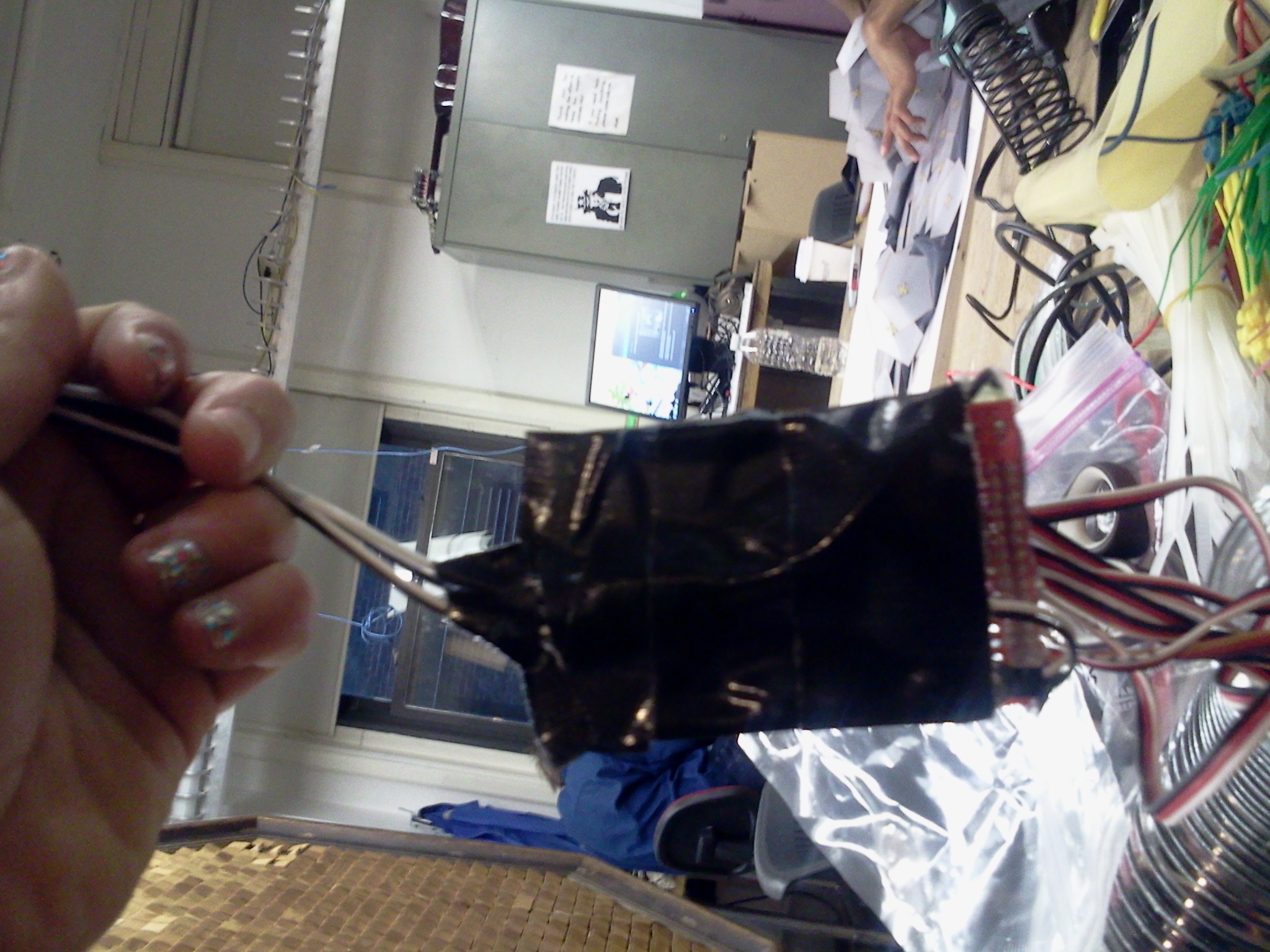
I taped the bottom of the Arduino so nothing shorted:
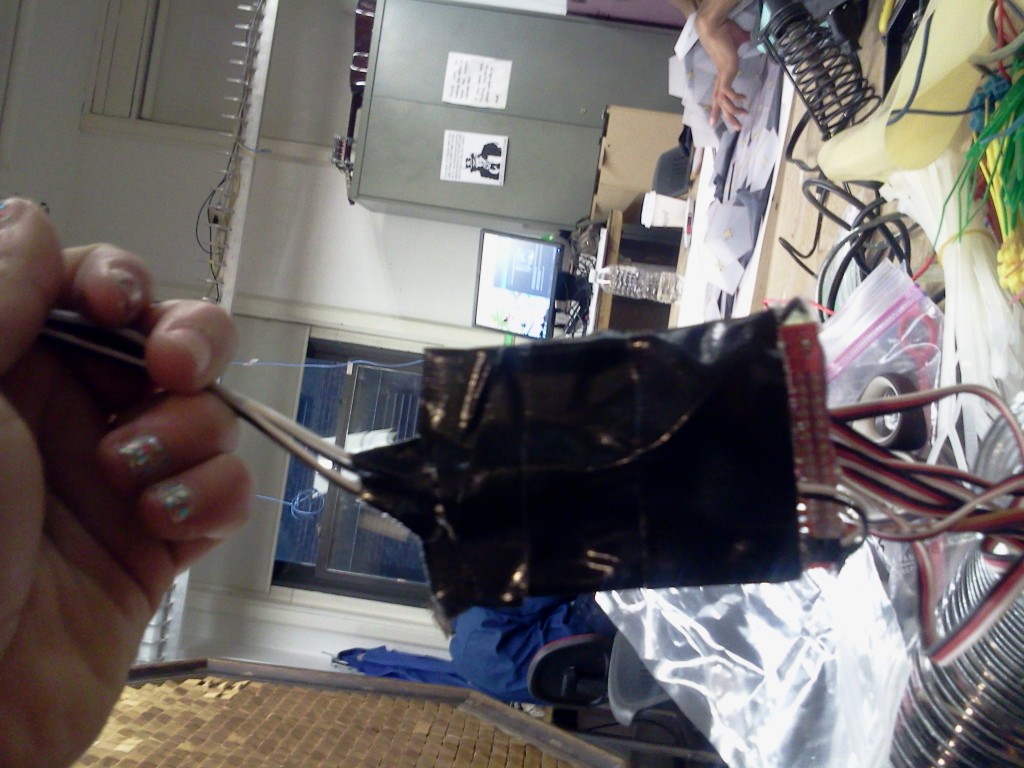
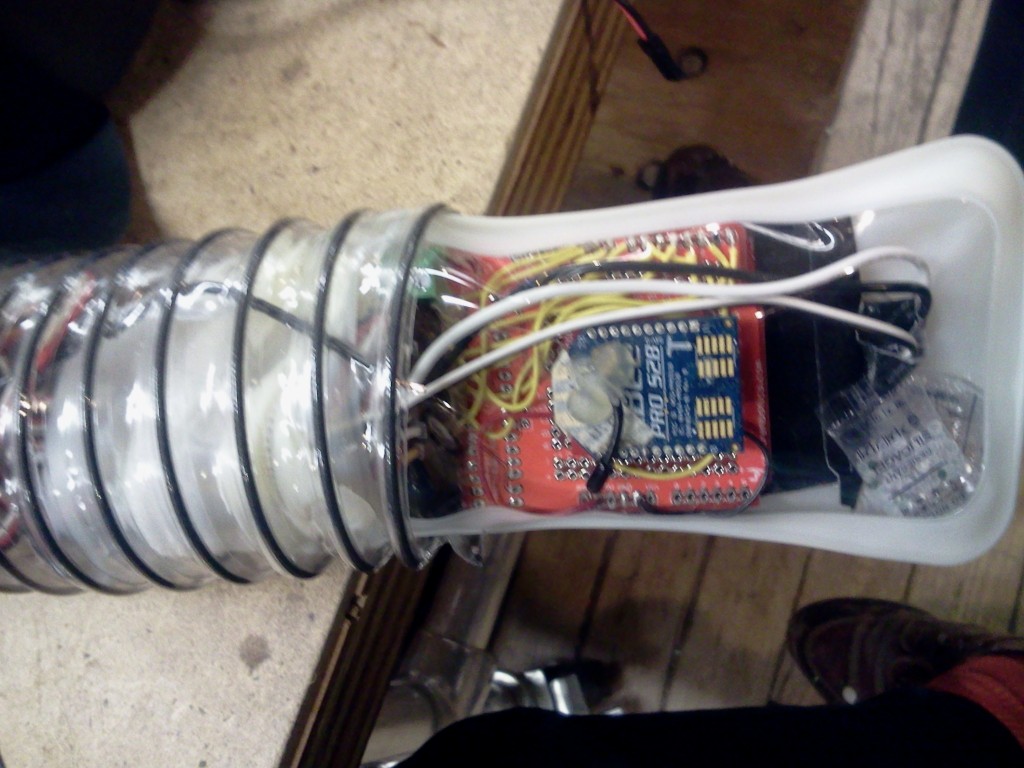
First I stuffed the arduino + xbee into a waterproof sac:
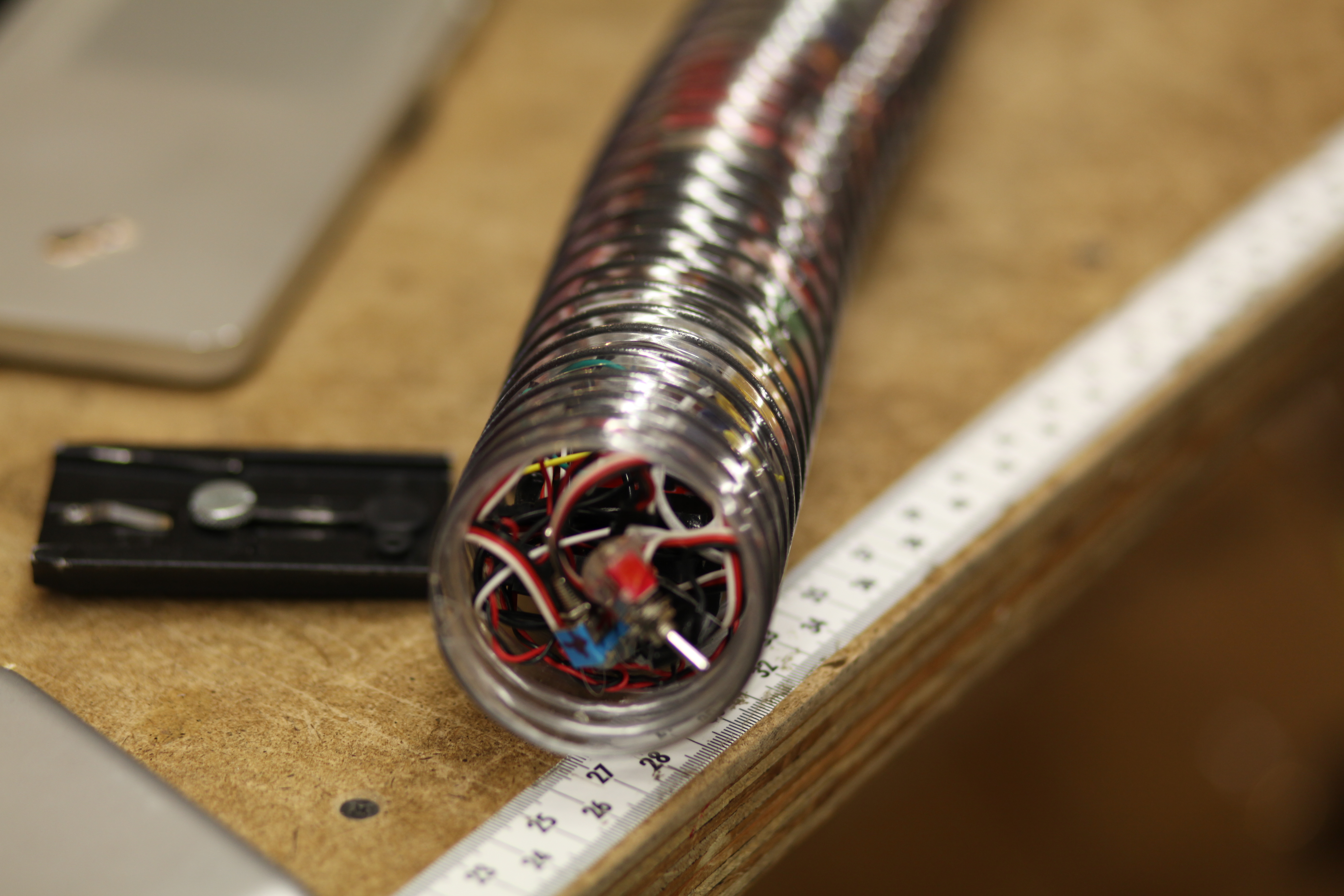
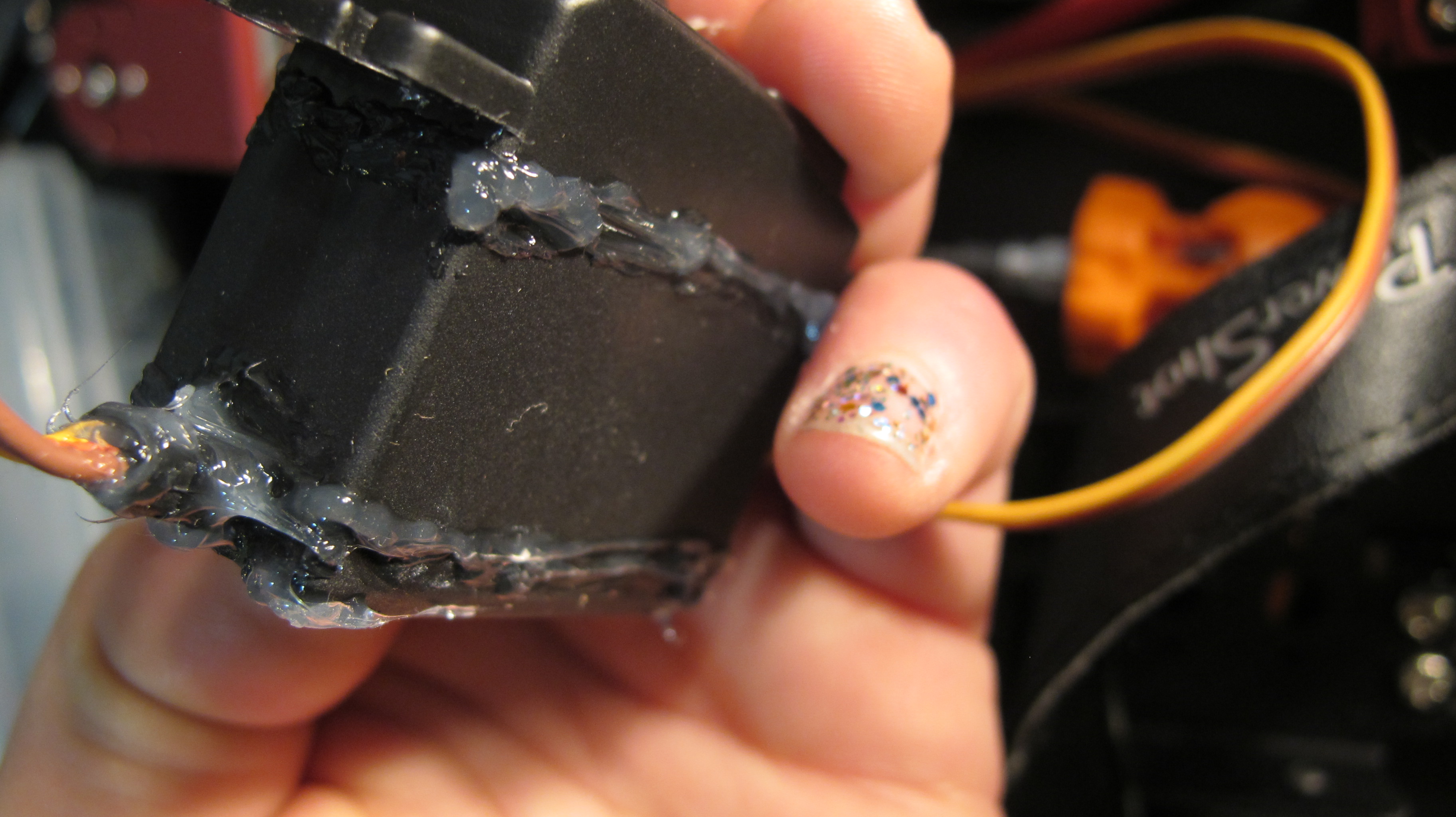
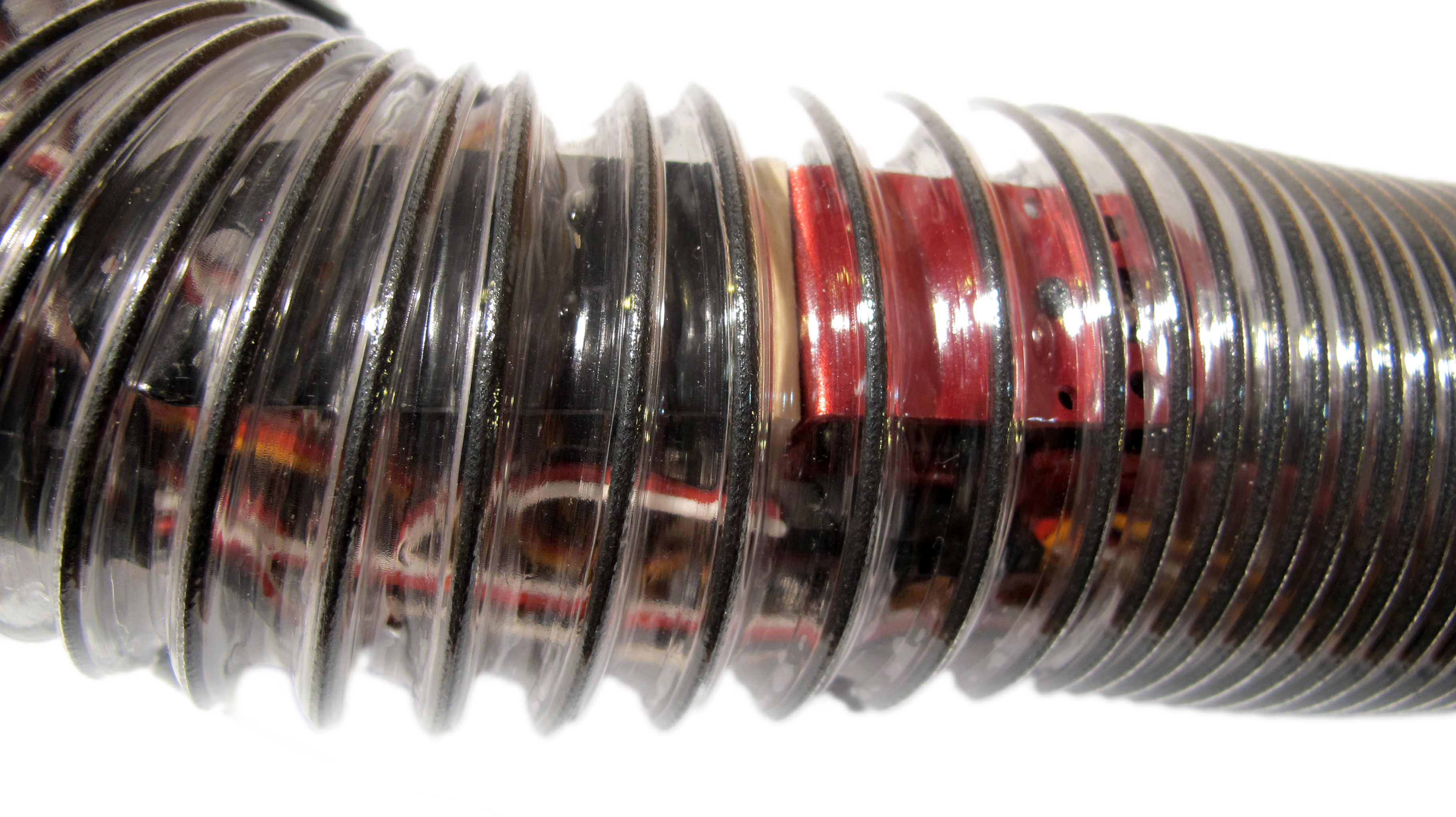
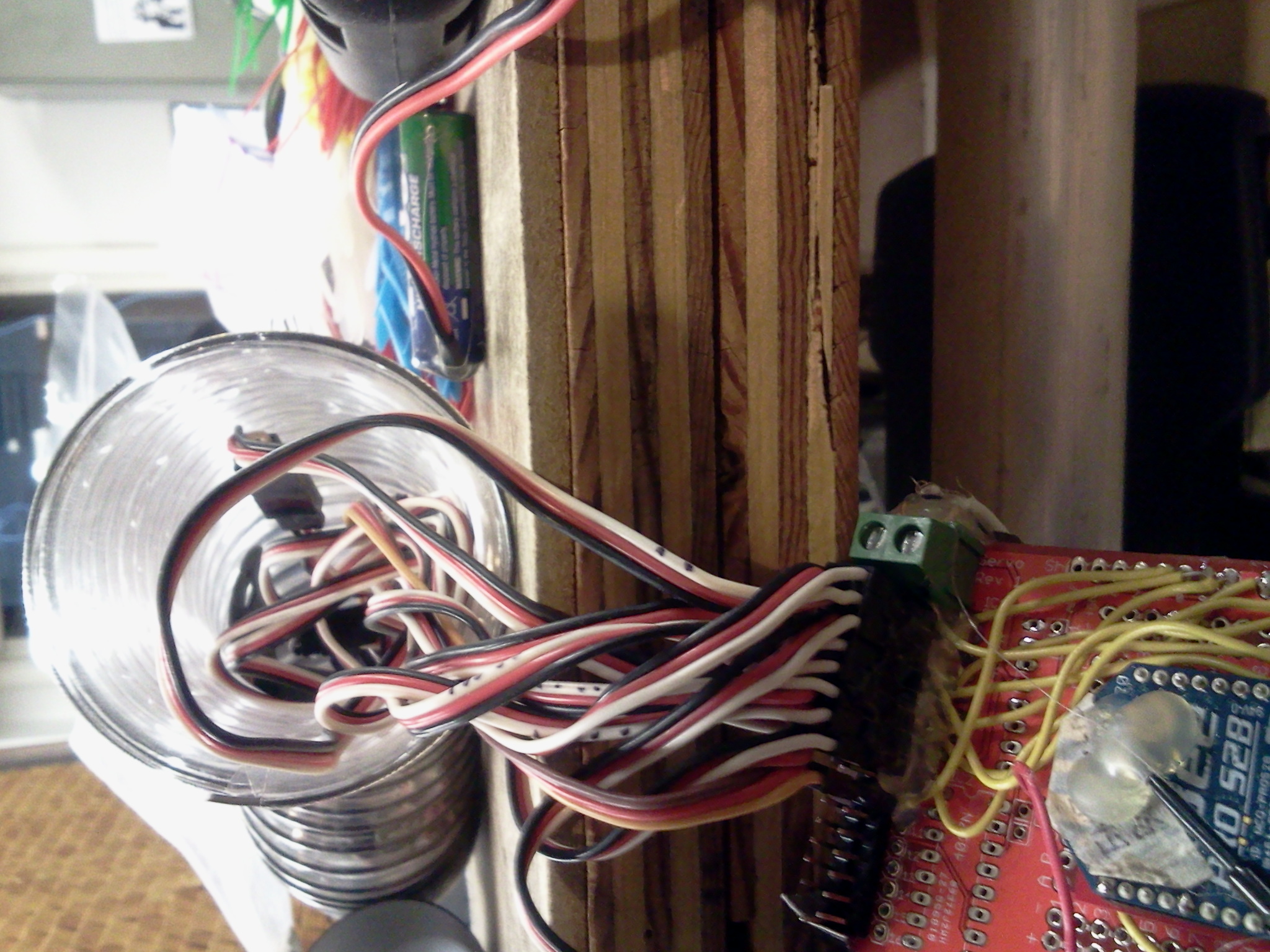
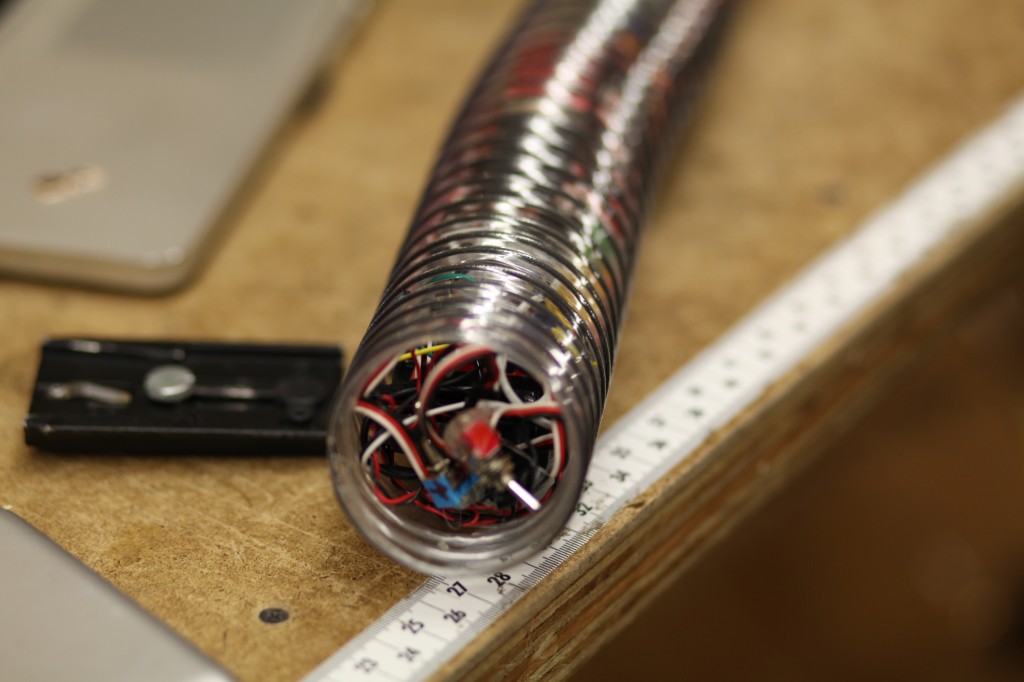
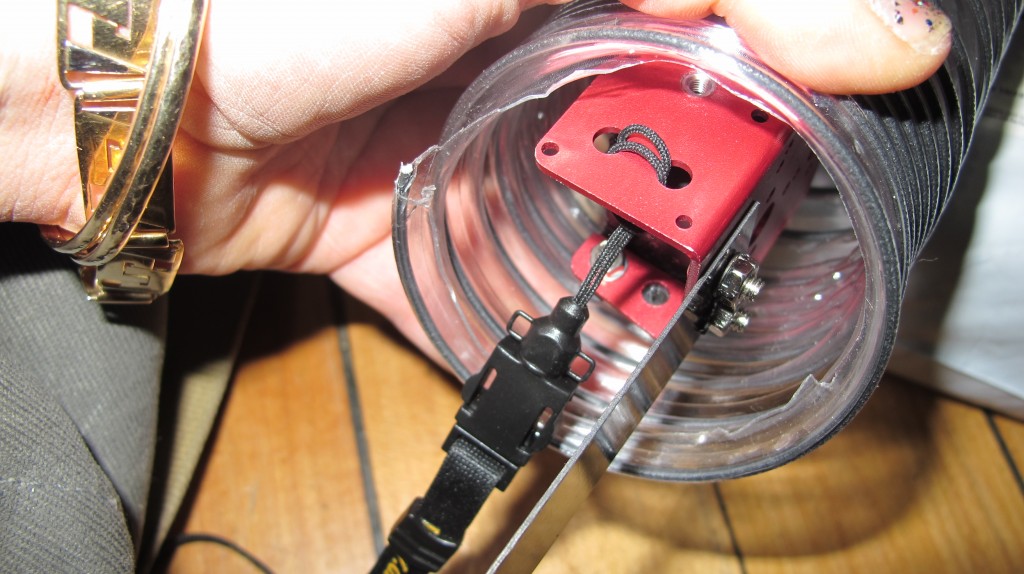
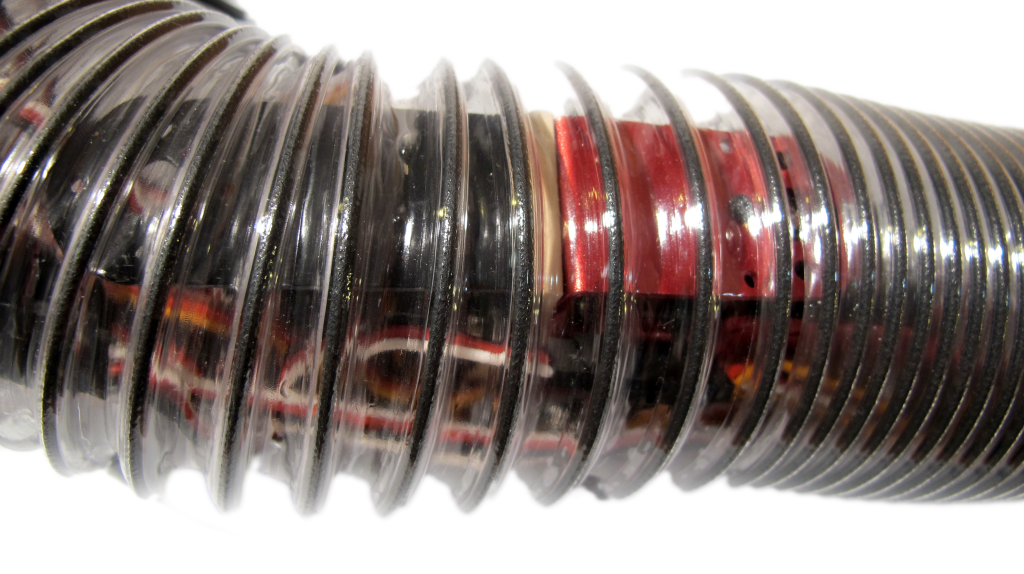
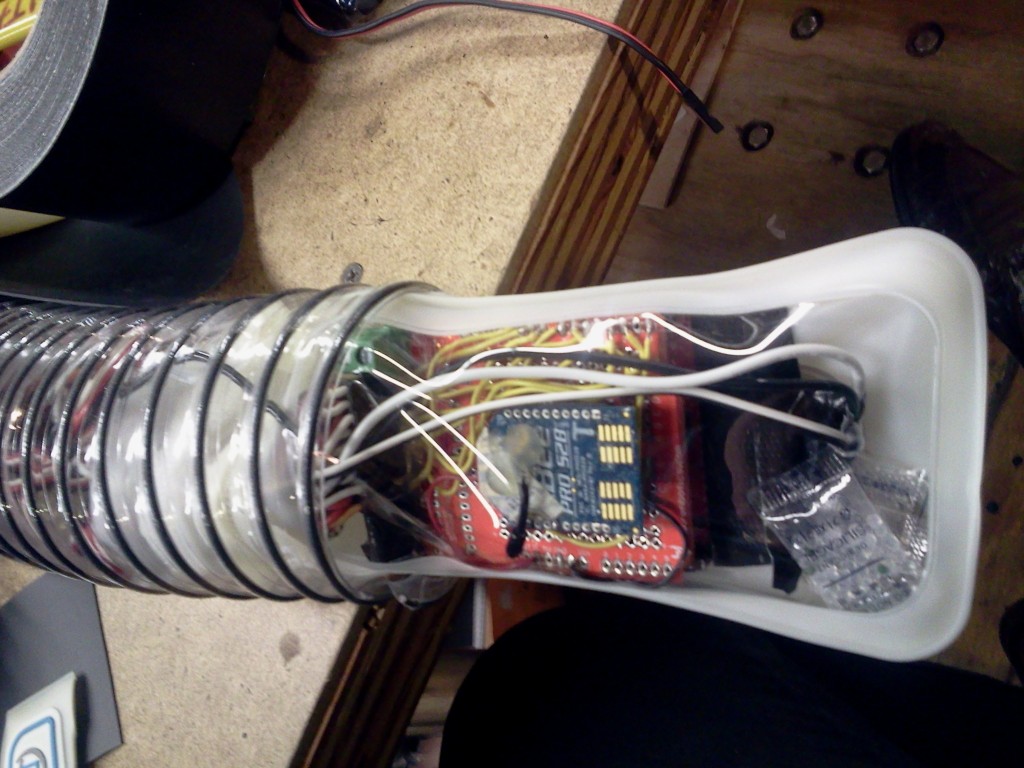
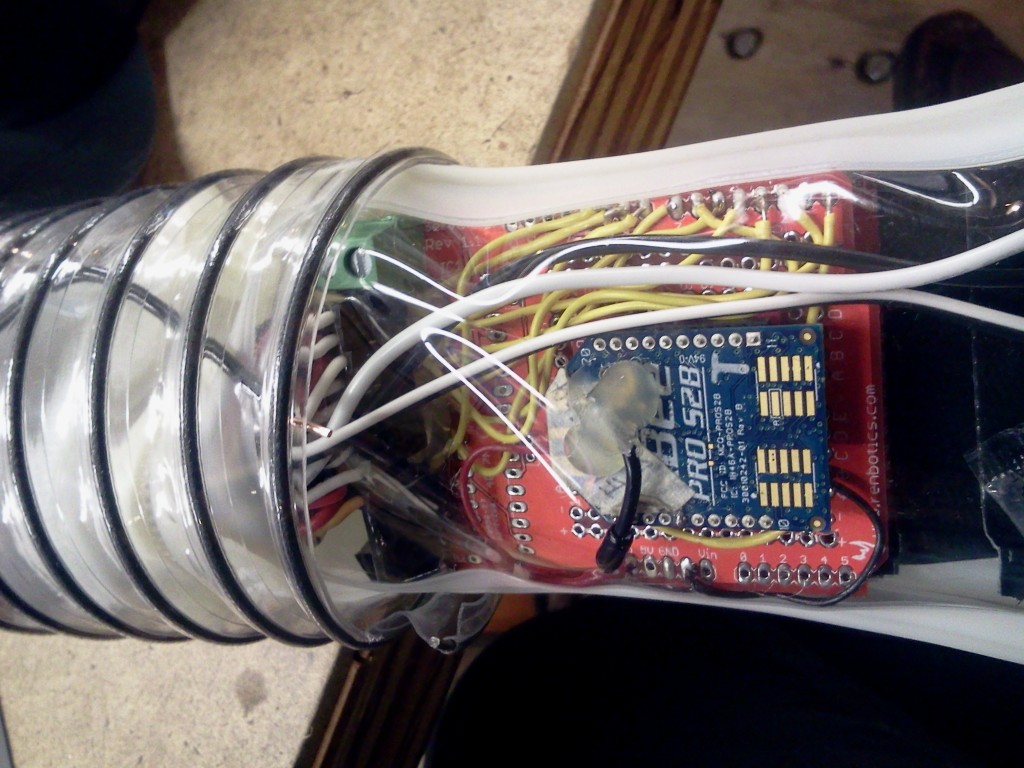
Then I decided that was overkill so I just stuffed everything into the tube (as I had sealed each servo motor with epoxy and had a water tight seal on the tube top and bottom)
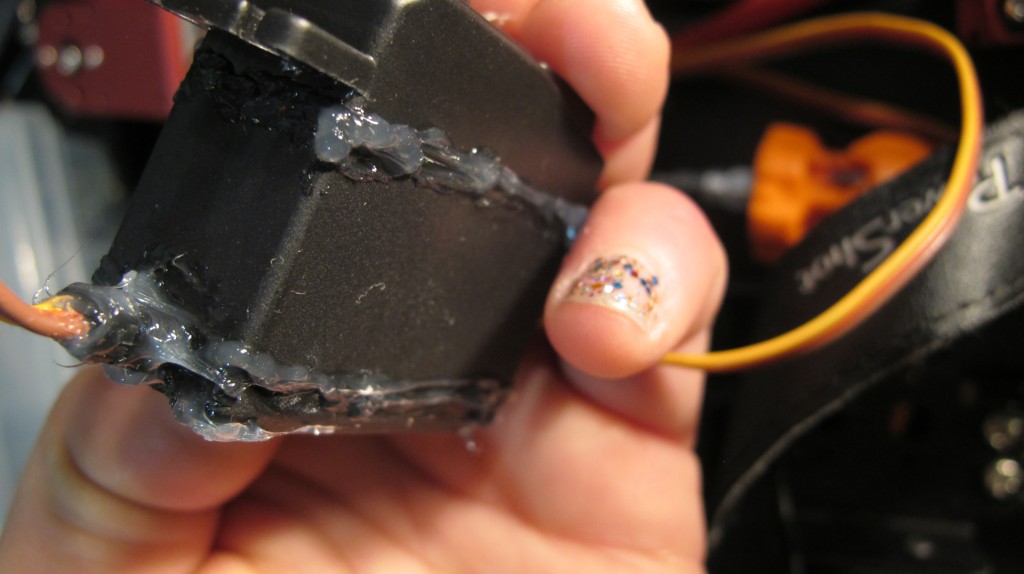
See the waterproofed servos:
See wires etc. stuffed in the tube:
The Software:
A diagram of the control firmware and the relationship between the classes:
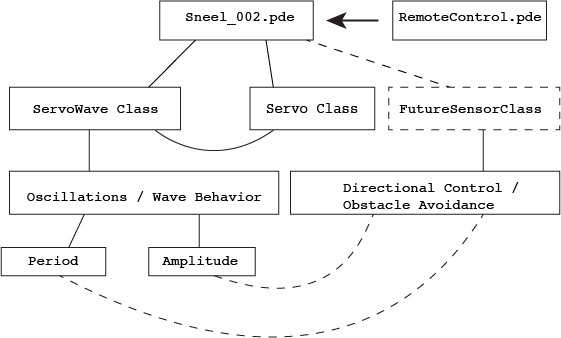
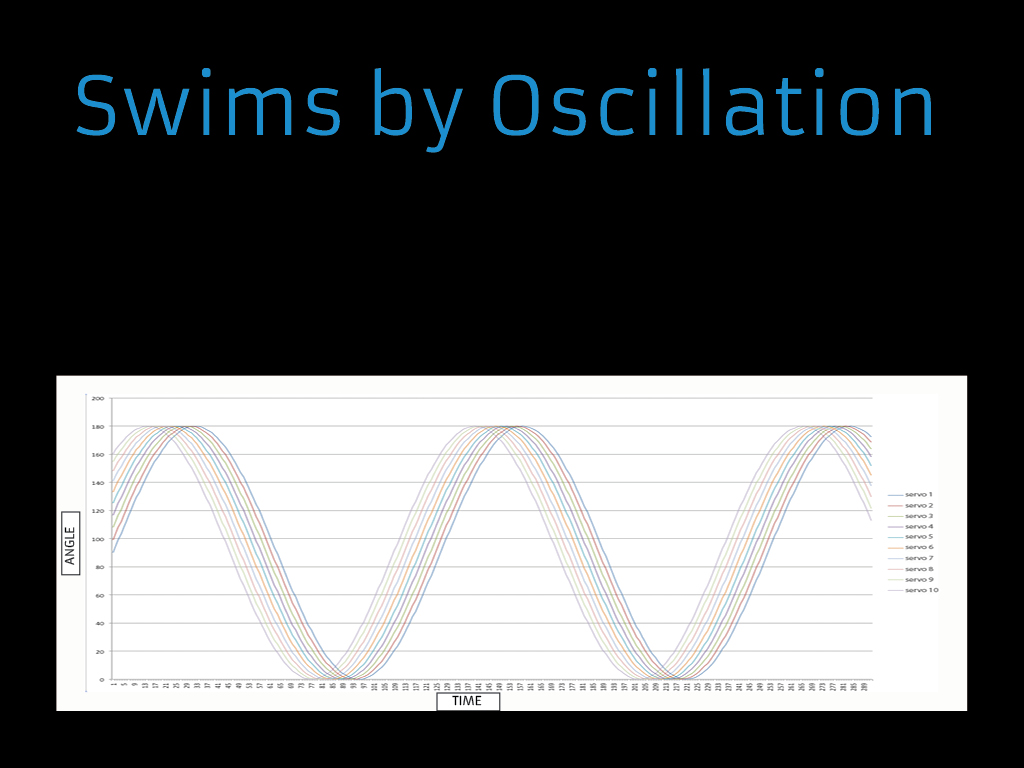
I wrote an Arduino library called ServoWave to control period, amplitude and wavelength of the oscillation for Sneel’s swimming behavior.
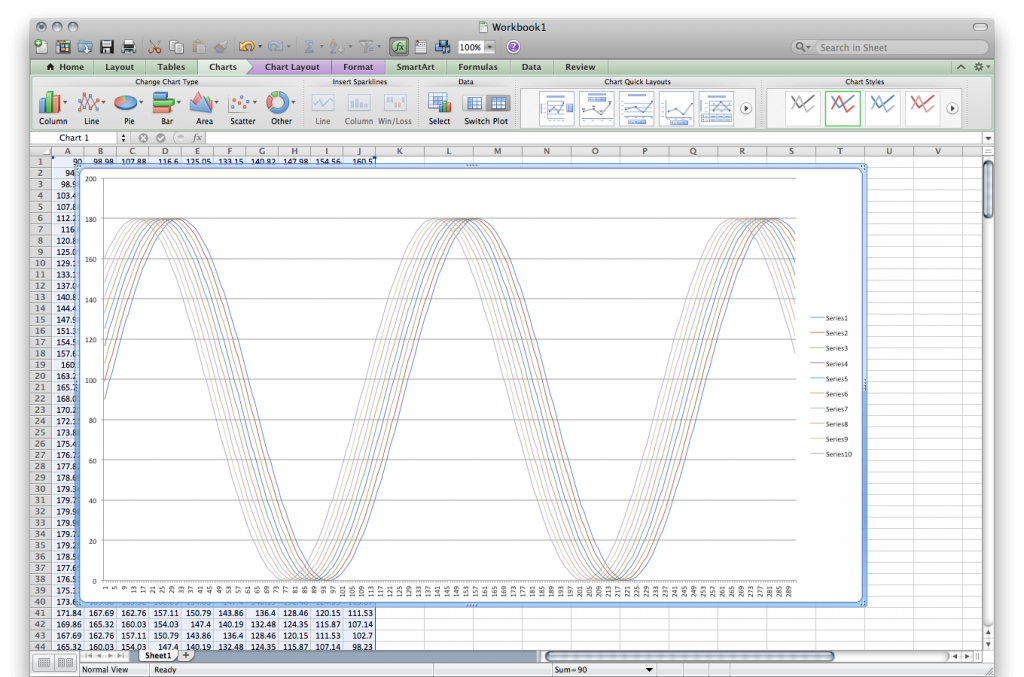
See how each servo motor oscillates – in the following graph, I print out values of each servo as each motor rotates in a sine wave slightly out of phase from each other. The x axis is time and the y axis is angle, and each colored line is a different motor.
After getting everything packed up in the tube, I tested Sneel_002 on the floor of ITP.
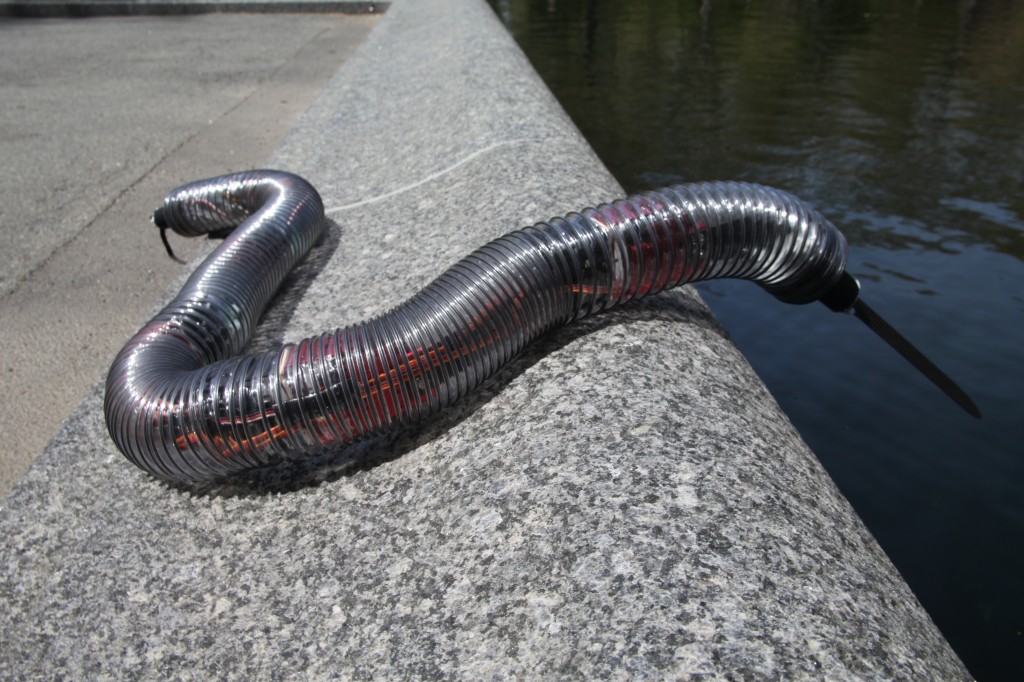
He seemed sort of real:
Sneel in the wild:
Well, Sneel_002 swam pretty well, sort of like a real snake, but there’s much work to be done…
Model shot:
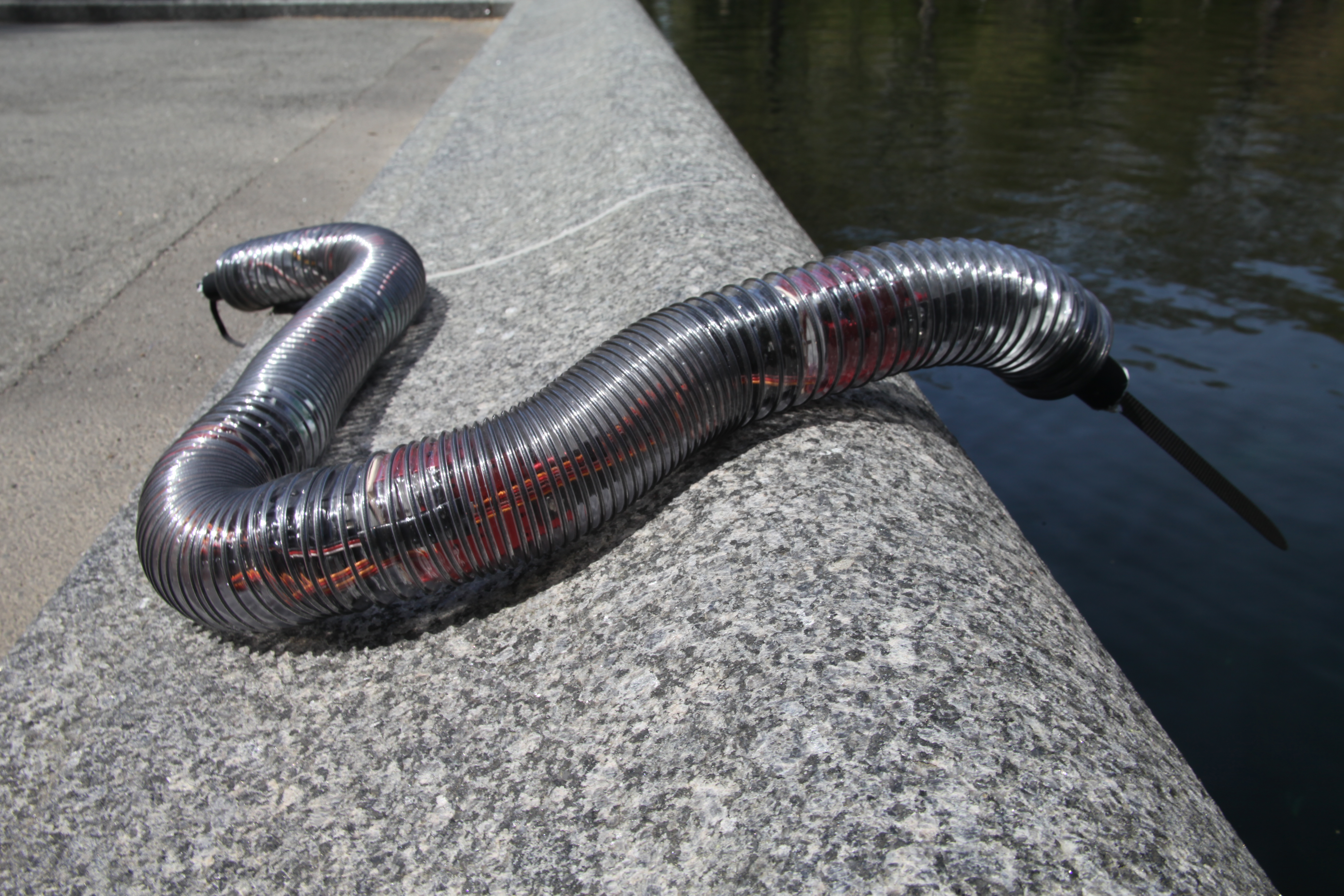
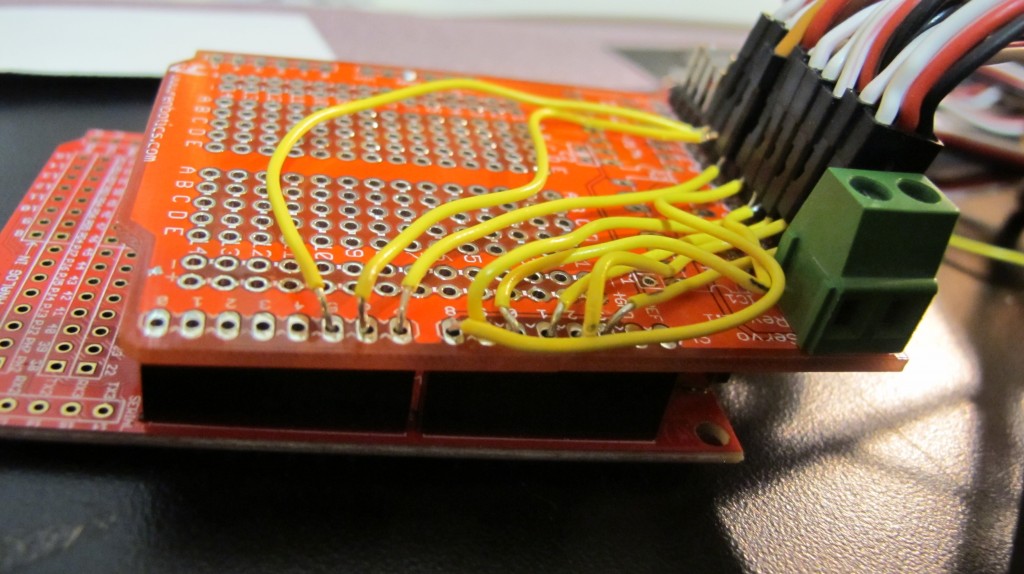
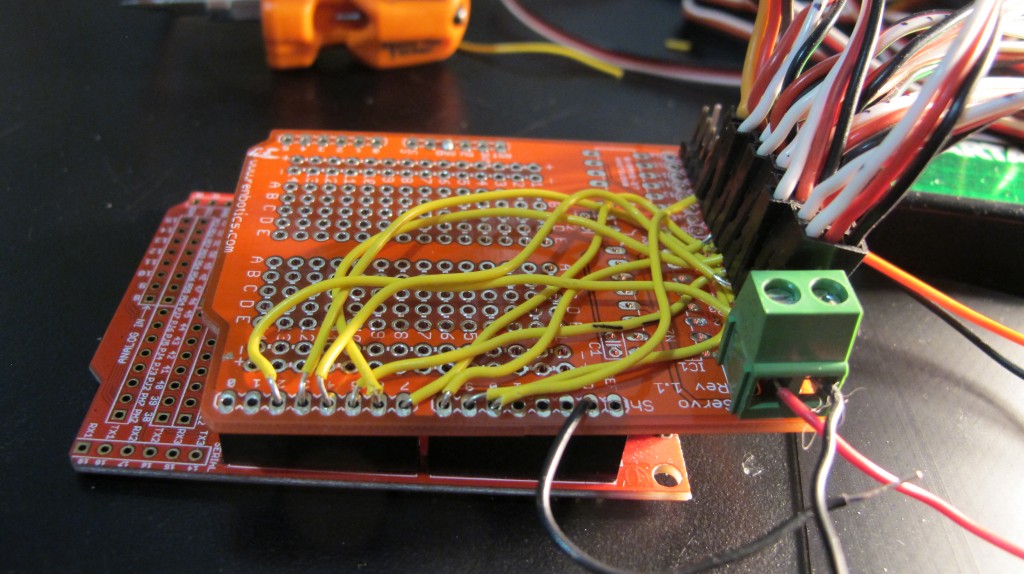




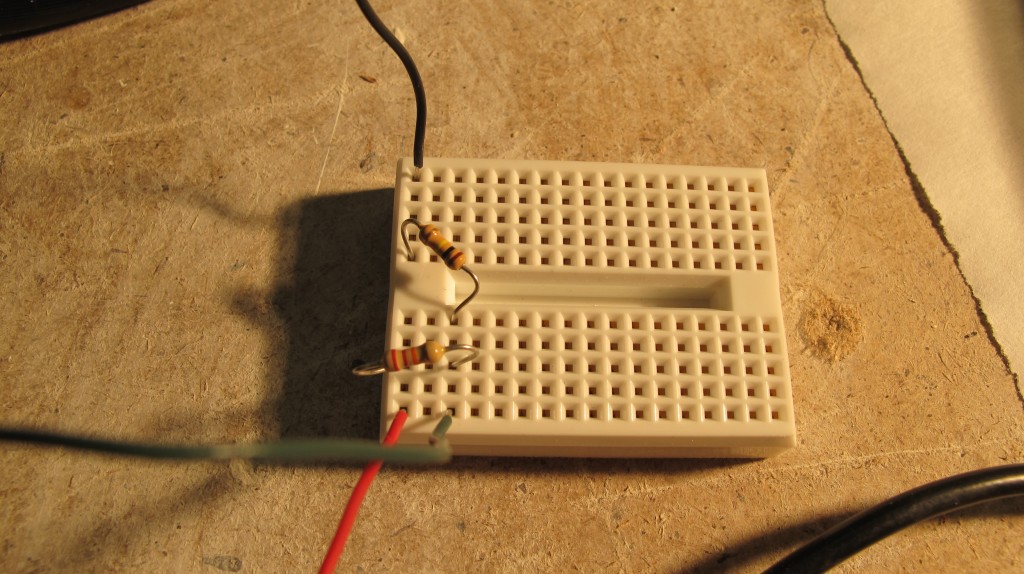
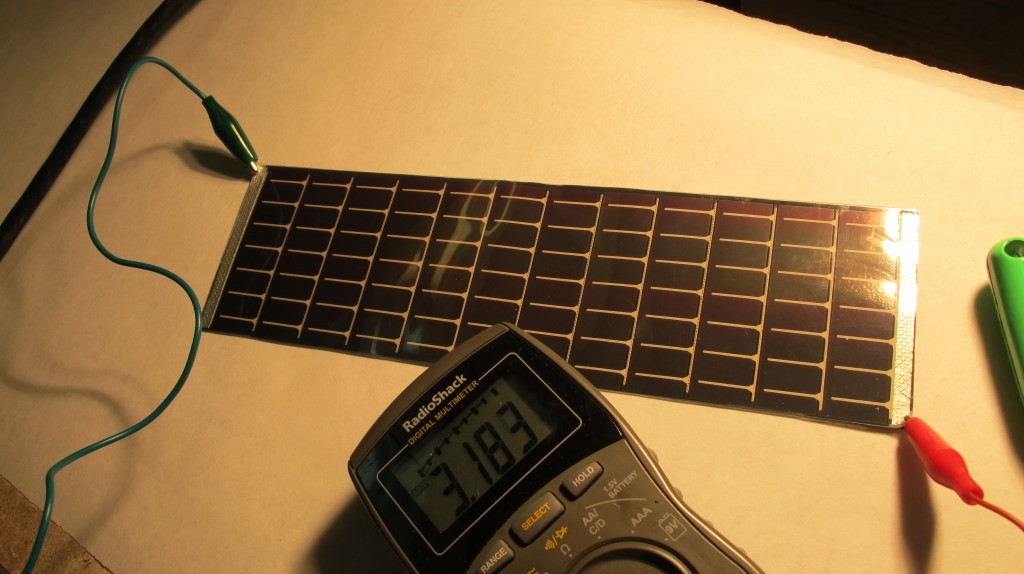
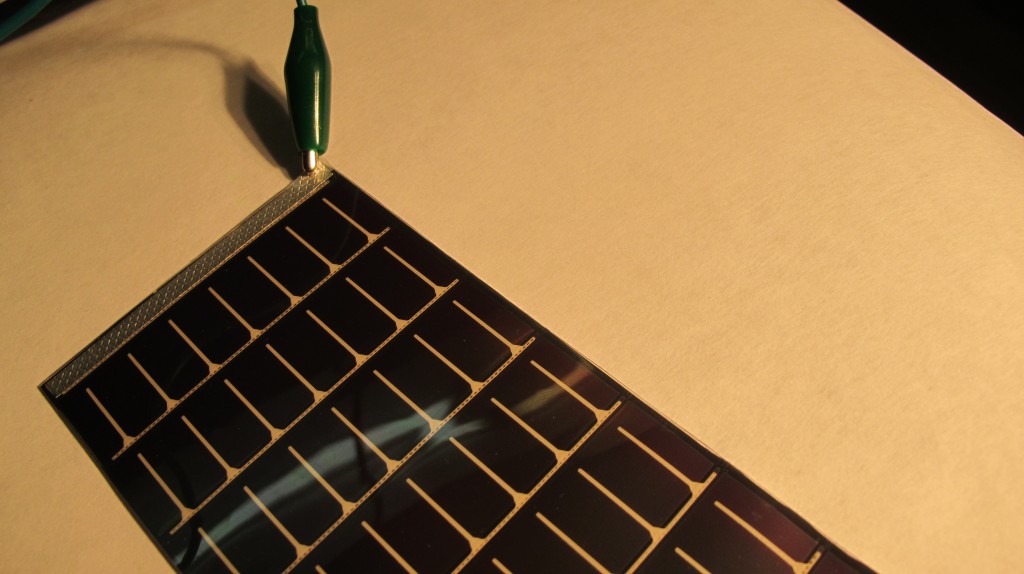
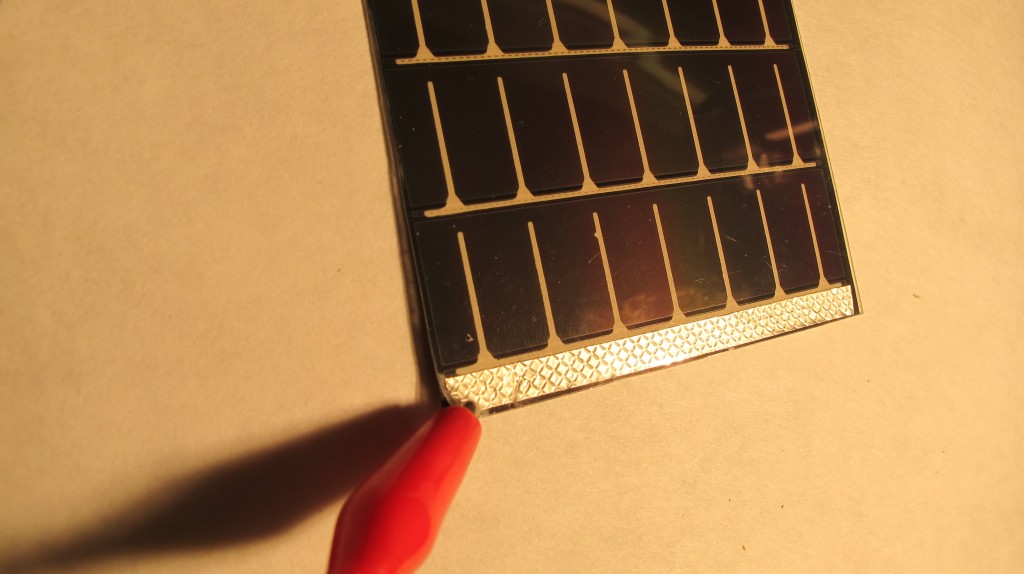
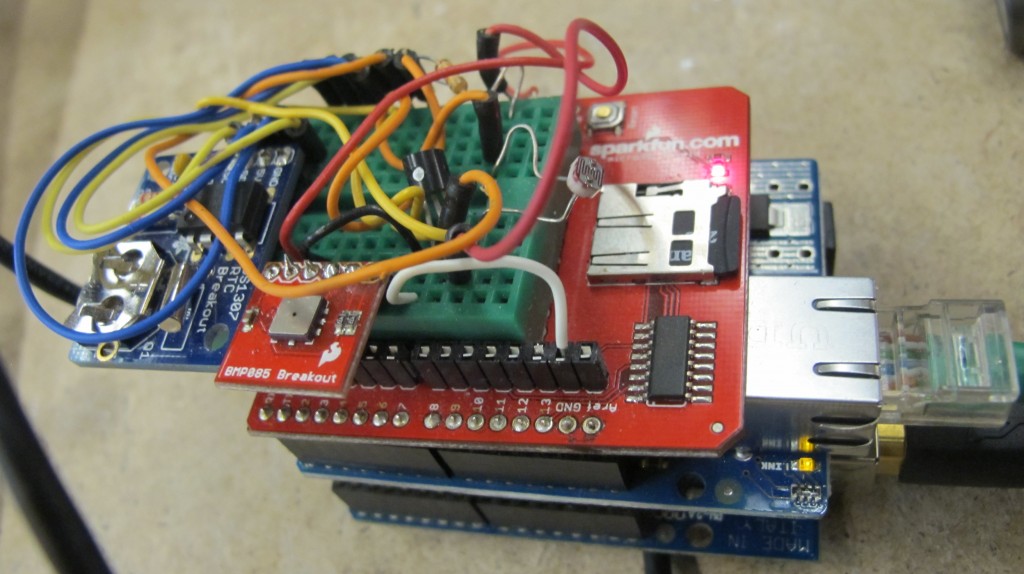
bellflower voltage logging solar panel
logging voltage here: http://www.levinegabriella.com/bellflower/bellflower_dataLog.txt
arduino code here:
https://github.com/gabriella/bellflower
php and more to come…
tmp36
I’ve switched over to this sensor as a solid state temperature sensor:
I will use thermocouples for rapid rate of changes of liquids but for environmental sensing:
from adafruit:
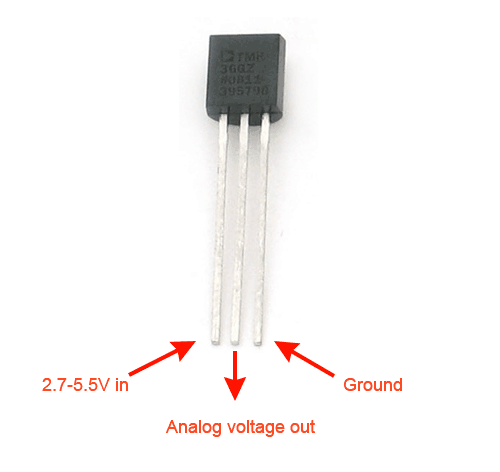
temperature from tmp36 sensor: http://www.ladyada.net/learn/sensors/tmp36.html
0.73 volts
22.75 degrees C
72.96 degrees F
0.73 volts
//TMP36 Pin Variables
int sensorPin = 0; //the analog pin the TMP36's Vout (sense) pin is connected to
//the resolution is 10 mV / degree centigrade with a
//500 mV offset to allow for negative temperatures

/*
* setup() - this function runs once when you turn your Arduino on
* We initialize the serial connection with the computer
*/
void setup()
{
Serial.begin(9600); //Start the serial connection with the computer
//to view the result open the serial monitor
}

void loop() // run over and over again
{
//getting the voltage reading from the temperature sensor
int reading = analogRead(sensorPin);

// converting that reading to voltage, for 3.3v arduino use 3.3
float voltage = reading * 5.0;
voltage /= 1024.0;

// print out the voltage
Serial.print(voltage); Serial.println(" volts");

// now print out the temperature
float temperatureC = (voltage - 0.5) * 100 ; //converting from 10 mv per degree wit 500 mV offset
//to degrees ((volatge - 500mV) times 100)
Serial.print(temperatureC); Serial.println(" degrees C");

// now convert to Fahrenheight
float temperatureF = (temperatureC * 9.0 / 5.0) + 32.0;
Serial.print(temperatureF); Serial.println(" degrees F");

delay(1000); //waiting a second
}
IR proximity sensor
Here’s the Sharp product i’m using: http://www.sparkfun.com/datasheets/Sensors/Infrared/gp2y0a02yk_e.pdf
bought from here: http://www.sparkfun.com/products/8958
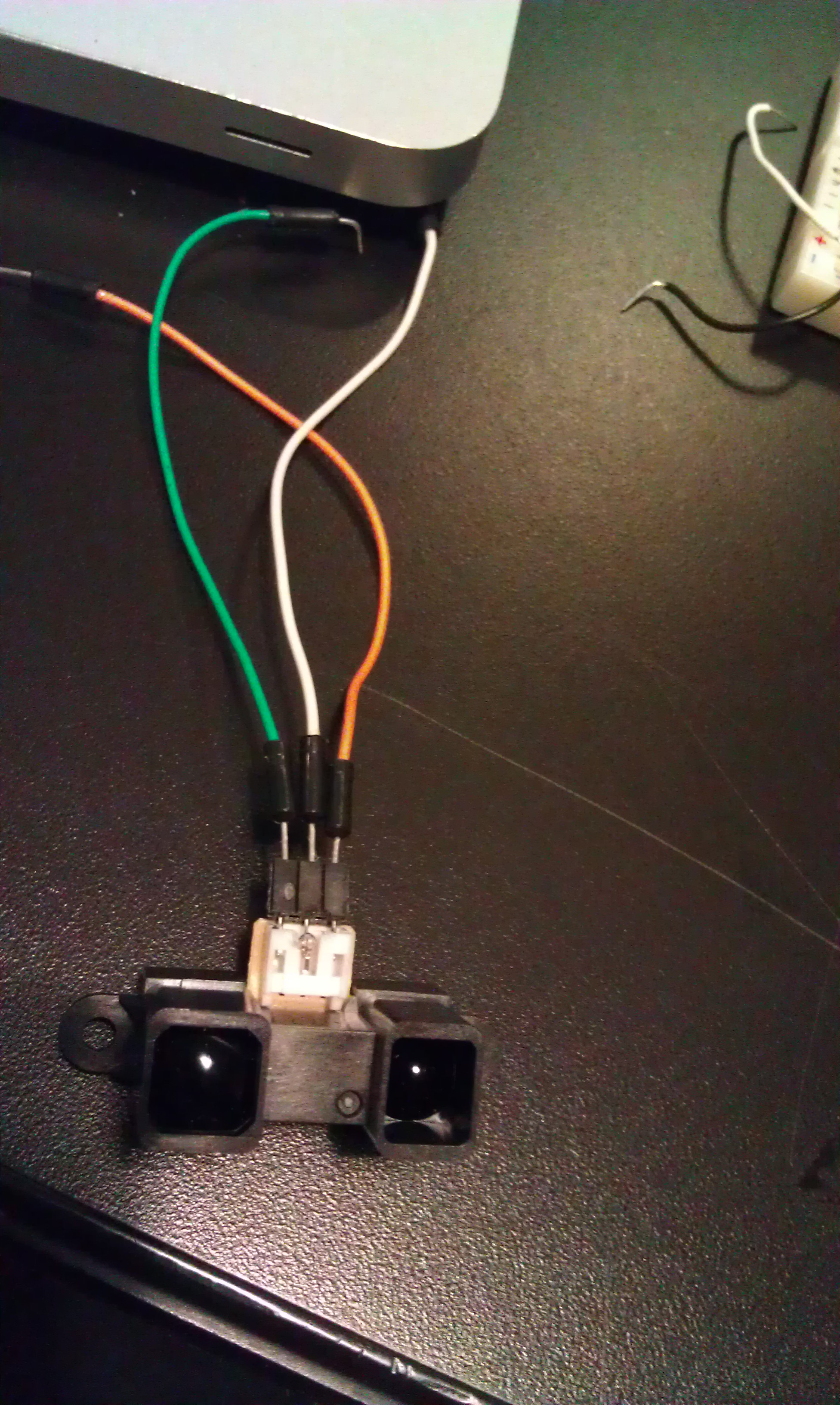
This code is simply smoothing an analog input value (0-5V), and it seems to work ok, but I have to see – I’m working on graphing the values (using Excel and CoolTerm) to make sure that my linearizing function I got from here: http://www.acroname.com/robotics/info/articles/irlinear/irlinear.html = has worked correctly
const int numReadings = 100;

int readings[numReadings]; // the readings from the analog input
int index = 0; // the index of the current reading
int total = 0; // the running total
int average = 0; // the average

int inputPin = A0;

void setup()
{
// initialize serial communication with computer:
Serial.begin(9600);
// initialize all the readings to 0:
for (int thisReading = 0; thisReading < numReadings; thisReading++)
readings[thisReading] = 0;
}

void loop() {
// subtract the last reading:
total= total - readings[index];
// read from the sensor:
readings[index] = analogRead(inputPin);
// add the reading to the total:
total= total + readings[index];
// advance to the next position in the array:
index = index + 1;

// if we're at the end of the array...
if (index >= numReadings)
// ...wrap around to the beginning:
index = 0;

// calculate the average:
average = total / numReadings;
// send it to the computer as ASCII digits
Serial.println(average);
}
This code also is seems good but I have to check it out more closely:
int sensorPin = 0; // input pin for the sensor
int barPin[] = {2, 3, 4, 5, 6, 7, 8, 9, 10, 11};
int barPinCount = 10;
int volt = 0; // variable to store the value coming from the sensor
int zeit = 100; // *10 = Gesamtzeit - total time

void setup() {
Serial.begin(9600);
int thisPin;
// the array elements are numbered from 0 to (pinCount - 1).
// use a for loop to initialize each pin as an output:
for (int thisPin = 0; thisPin < barPinCount; thisPin++) {
pinMode(barPin[thisPin], OUTPUT);
}
}

void loop() {
int volt = 0;
for(int i=0; i<10; i++)
{
volt += analogRead(sensorPin);
delay(zeit);
}
volt /= 10;

Serial.println(volt);
int litCount = 0;
if (volt <= 82) {
// >= 80cm
litCount = 1;
} else if (volt <= 92) {
// >= 70cm
litCount = 2;
} else if (volt <= 102) {
// >= 60cm
litCount = 3;
} else if (volt <= 123) {
// >= 50cm
litCount = 4;
} else if (volt <= 154) {
// >= 40cm
litCount = 5;
} else if (volt <= 184) {
// >= 30cm
litCount = 6;
} else if (volt <= 266) {
// >= 20cm
litCount = 7;
} else if (volt <= 328) {
// >= 15cm
litCount = 8;
} else if (volt <= 461) {
// >= 10cm
litCount = 9;
} else if (volt > 461) {
// < 10cm
litCount = 10;
}

for(int b=0; b<10; b++)
{
if(b<=litCount)
digitalWrite(barPin[b], HIGH); // Turn the bar on
else
digitalWrite(barPin[b], LOW); // Turn the bar off
}

}
circuit – SHT11 humidity sensor
I found a super nice library – https://github.com/practicalarduino/SHT1x – it’s working way better than what I had going before – Thanks!
I’m using this schematic: using this http://www.parallax.com/dl/docs/prod/acc/SensirionDocs.pdf
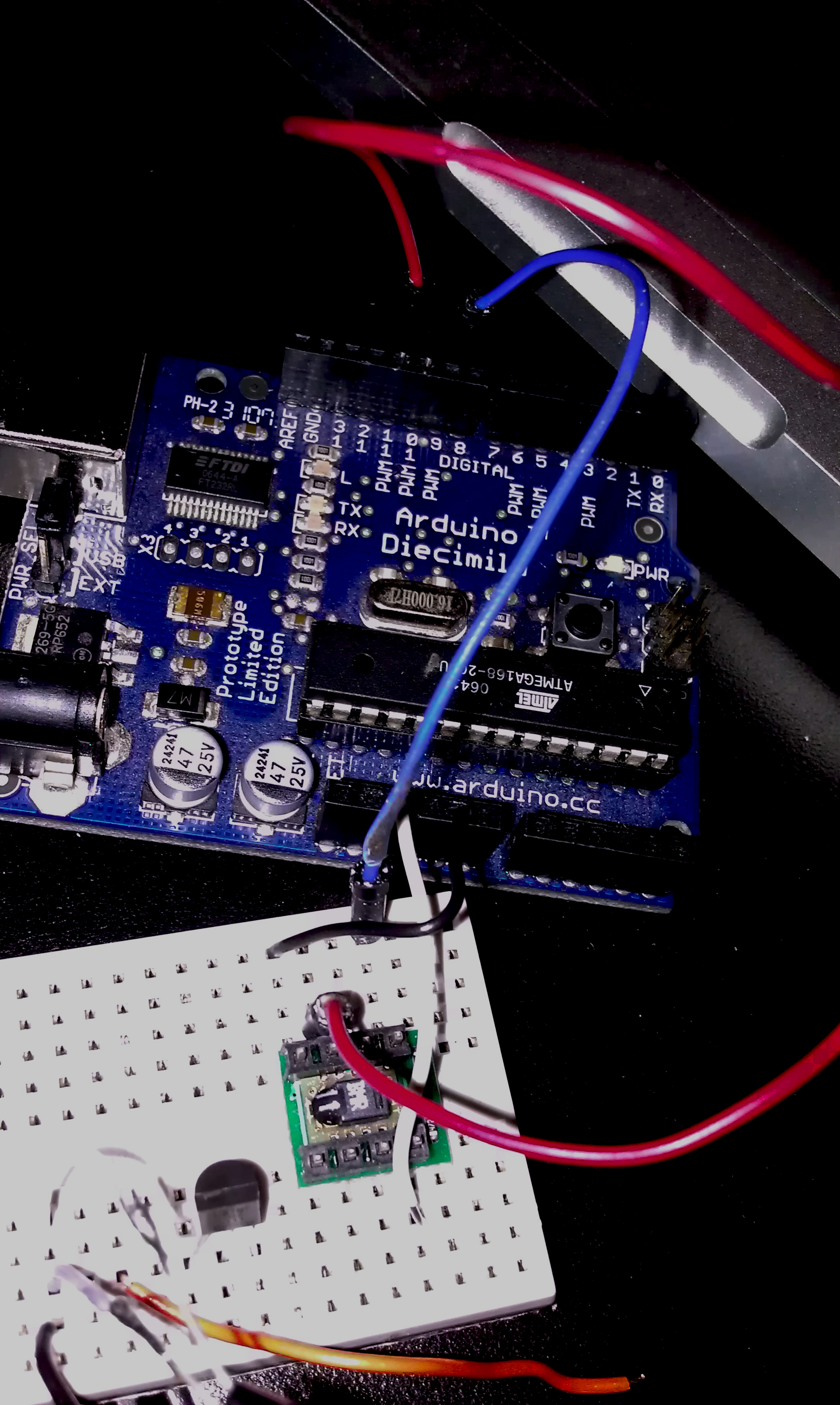
I’m getting legible values :
Temperature: 25.4199981689C / 77.8459930419F. Humidity: 23.45%
Temperature: 25.4399948120C / 77.8639984130F. Humidity: 23.45%
Temperature: 25.4799957275C / 77.7919921875F. Humidity: 25.12%
Temperature: 25.4599990844C / 77.8999938964F. Humidity: 27.65%
Temperature: 25.3600006103C / 77.7739944458F. Humidity: 27.87%
Temperature: 25.5199966430C / 77.9719924926F. Humidity: 26.86%
circuit – 2 axis parallax accelerometer
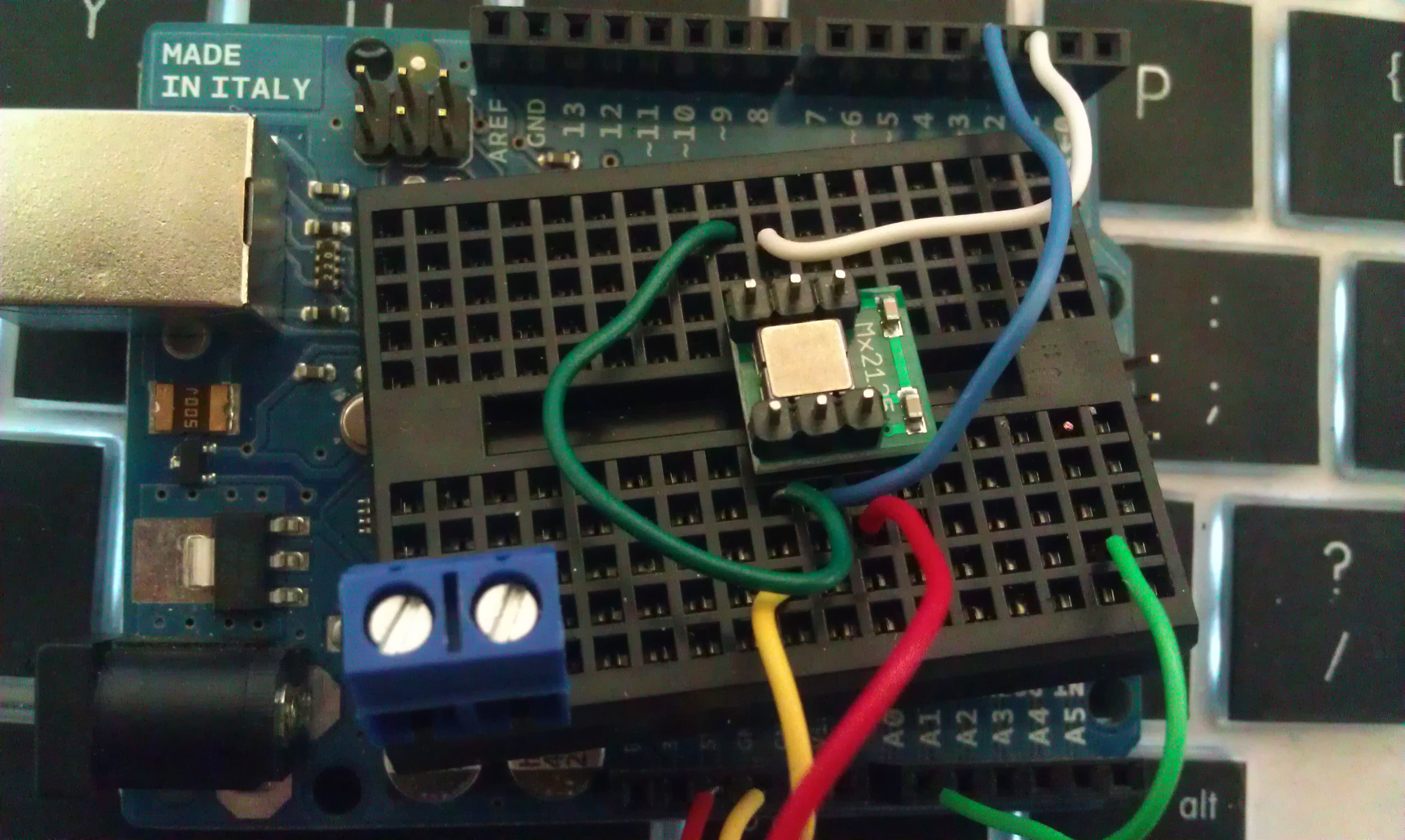
This is on the arduino side:
int pinX = 3;
int pinY = 2;
unsigned long serialTimer = millis();
unsigned long xAcc = 0;
unsigned long yAcc = 0;
boolean flipflop;

void setup()
{
pinMode(pinX, INPUT);
pinMode(pinY, INPUT);
Serial.begin(115200);
}

void loop()
{
if (flipflop == true) {
xAcc = pulseIn(pinX, HIGH);
flipflop = false;
} else {
yAcc = pulseIn(pinY, HIGH);
flipflop = true;
}

if ((millis() - serialTimer) > 50 ) {
Serial.print("X ");
Serial.println(xAcc);
// Serial.print(" ");
Serial.print("Y ");
Serial.println(yAcc);
}
}
to visualize it:
in processing:
import processing.serial.*;

Serial port; // Create object from Serial class
int val; // Data received from the serial port
int xAngle;
int yAngle;

void setup()
{
println ( Serial.list());
size(200, 200,P3D);
frameRate(10);
// Open the port that the board is connected to and use the same speed (9600 bps)
port = new Serial(this, Serial.list()[0],115200);
port.bufferUntil(13);
lights();

}

void draw()
{
background(0);
directionalLight(51, 102, 126, 0, 0, -1);
translate(100,100,0);
rotateX(map(xAngle,3800,6300,-1 * HALF_PI,HALF_PI));
rotateY(map(yAngle,3800,6300,-1 * HALF_PI,HALF_PI));
translate(-50,-50,0);
rect(0,0,100,100);

}

void serialEvent(Serial p) {
String msg = port.readStringUntil(13);
if (msg != null) readMsg(msg);

}

void readMsg(String msg) {

//remove non printing chars
int badChars = 0;
for (int i = msg.length() -1; i >= 0; i--) {
char c = msg.charAt(i);
if ( c == 10 || c ==13) {
badChars++;
}
}
if (badChars > 0) msg = msg.substring(0,msg.length()-badChars+1);

String[] words = splitTokens(msg);
if (words[0].equals("X")) {

xAngle = int( words[1]);
}
if (words[0].equals("Y")) {
yAngle = int( words[1]);
}

}